>>I am brazilian and I speak portuguese, so forgive my english, I’ll use translation tools to help<<
INTRO:
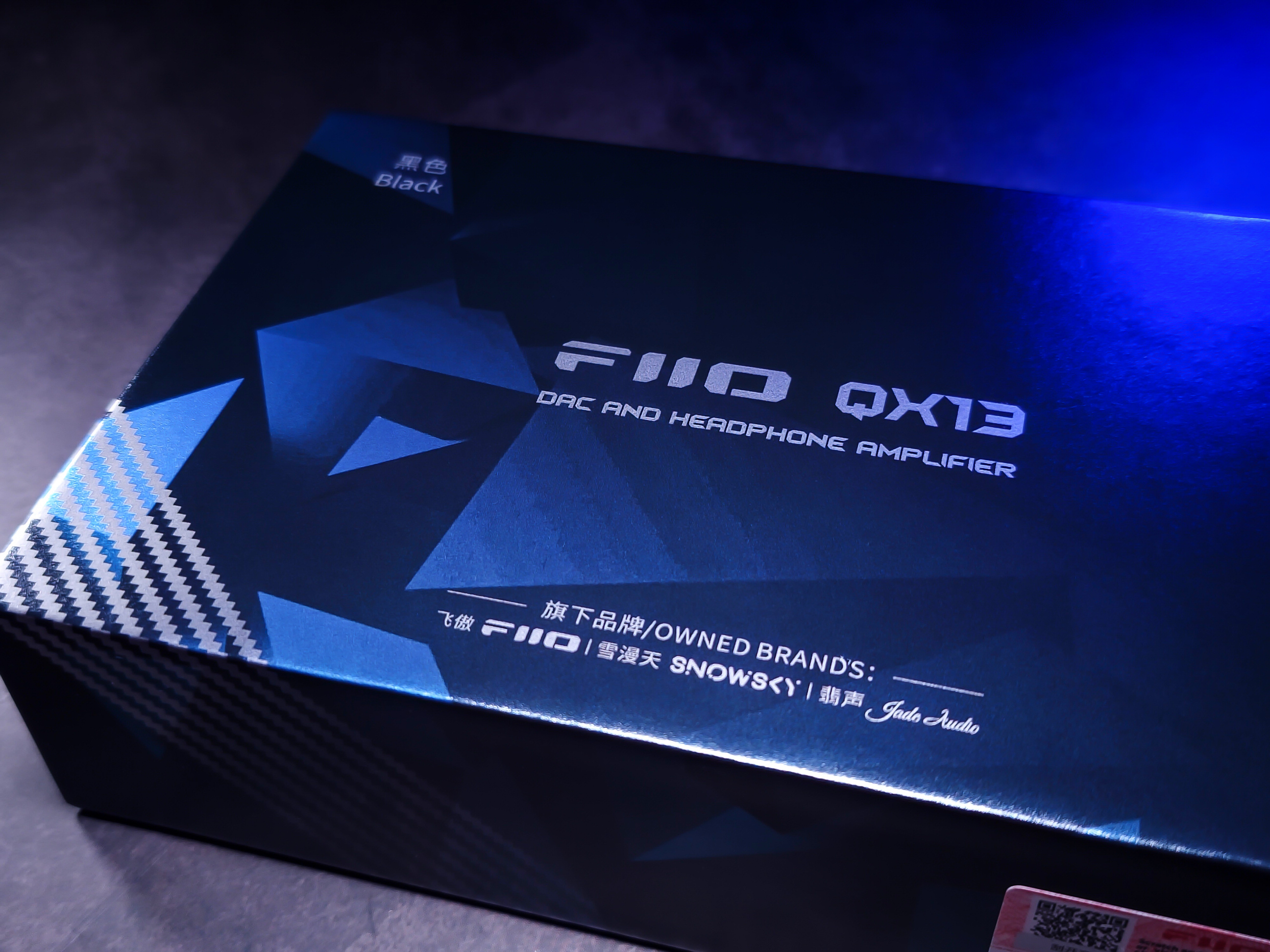
The QX13 is currently FiiO’s flagship DAC/AMP dongle. In 2025, the company reorganized its DAC/AMP dongle line and introduced the new “QX” line.
In addition to the current QX13, the new QX line still has other models to be released, namely the QX11 and QX15. While the QX11 fits into the same range as the KA17, the QX13 and QX15 are the most tech advanced dongles.
The QX13’s specifications are impressive when it comes to power. Such a small and portable product manages to deliver very high values. And it doesn’t stop here, the device has the option of receiving more power through its Desktop Mode, meaning it can receive more power from an external source (via USB cable) or from the Mini Power Bank sold by FiiO, called as “Estick”.
PS: The “Estick” is compatible with both the KA17 and the QX13.
Price: $219.99 USD
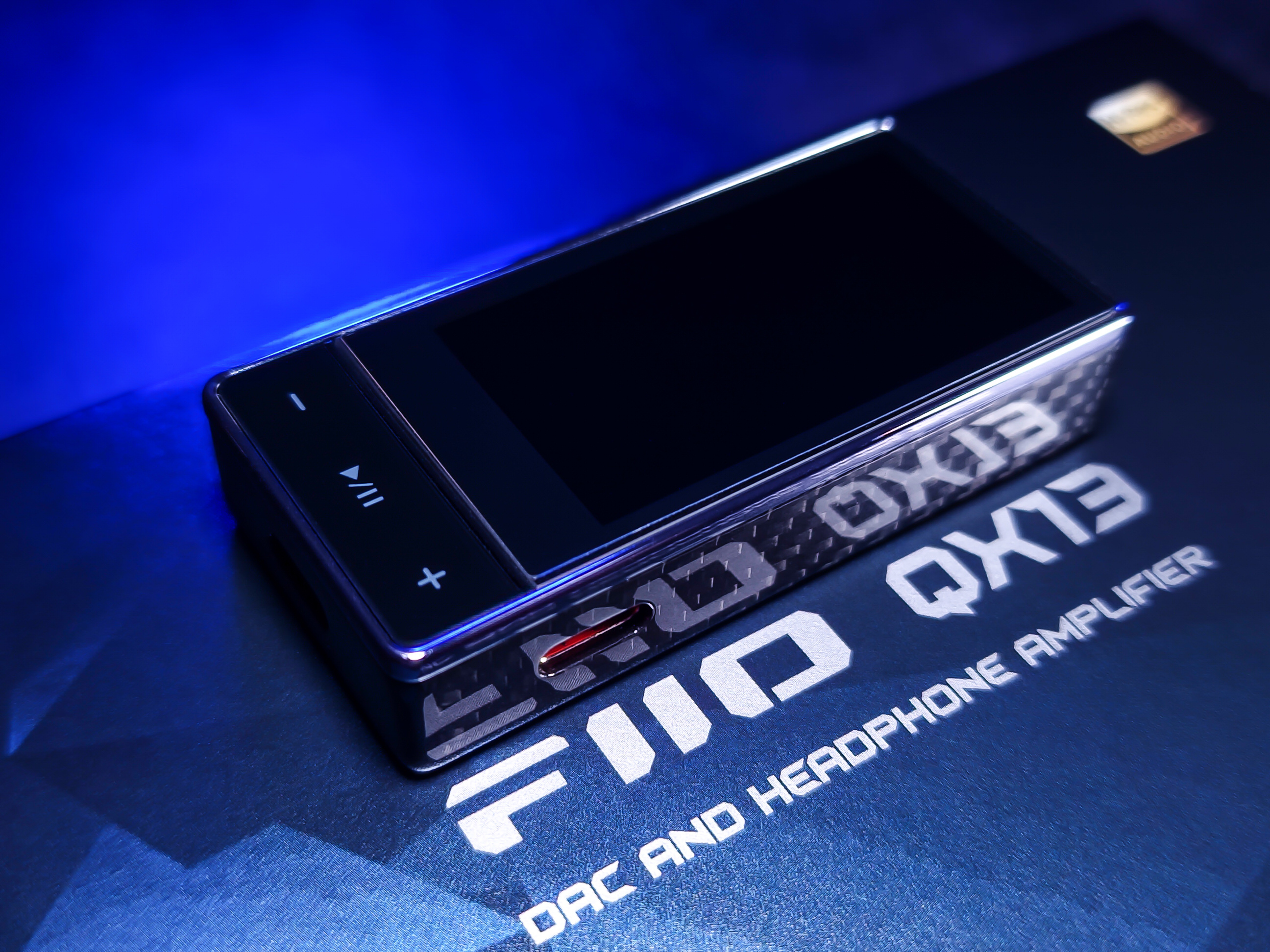
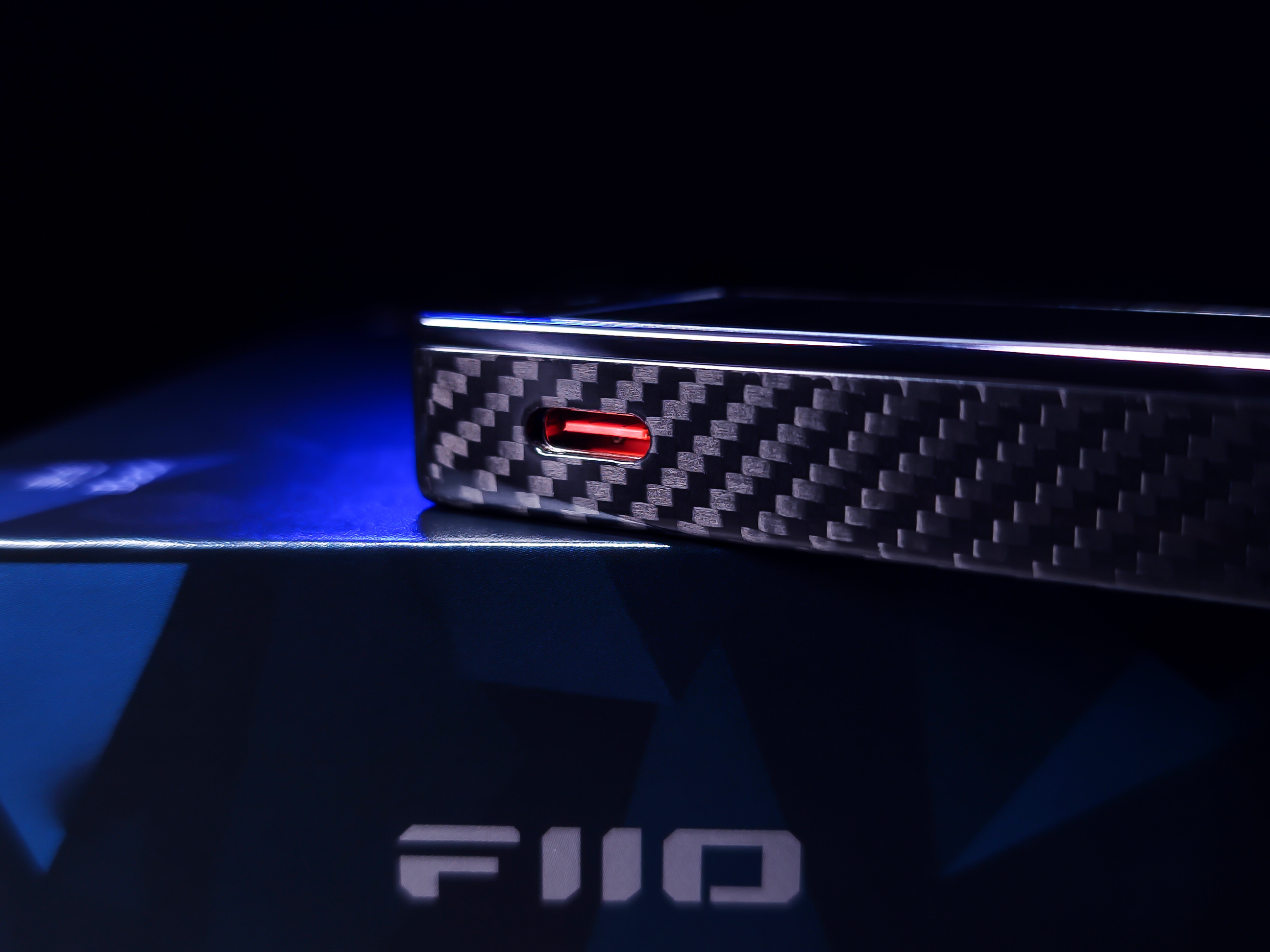
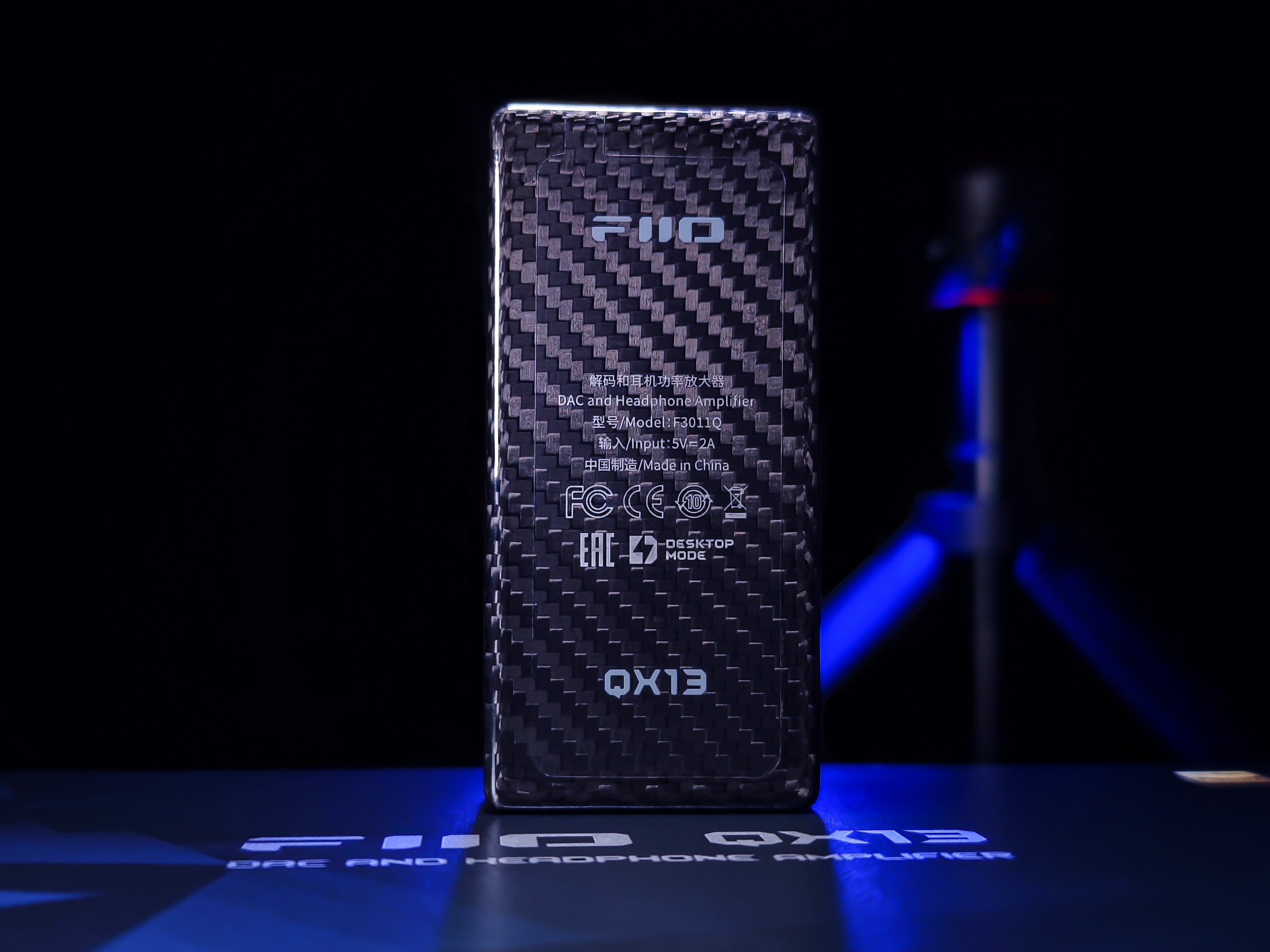
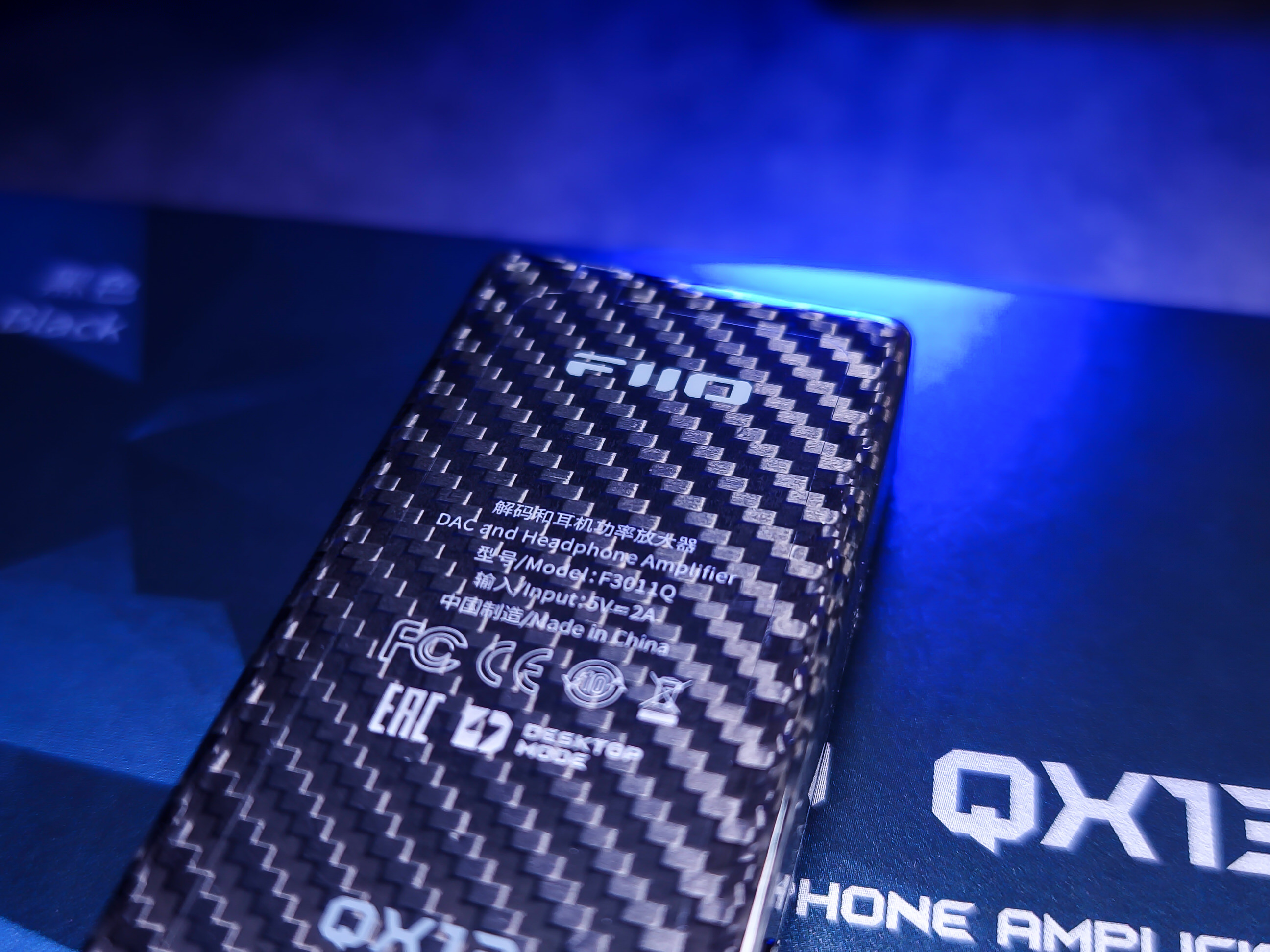
Colors: Titanium Gold (aluminum alloy) or Black (carbon fiber)
FiiO Reviews: FH3, KA1, HS18, JD7, KA5, FD11, Q11, M11S, KA11, JT1, BTR13, BTR11, JM21, FT1.
FIIO LINKS:
https://s.click.aliexpress.com/e/_c2QTDmfZ (Official store)
https://s.click.aliexpress.com/e/_c3Sbd0w7 (ESTICK)
SPECIFICATIONS:
– USB chip: XMOS XU316
– DAC: ES9027SPRO
– Op-amp: OPA16922
– Headphone amplifier: TI INA16204
– Sampling rate support: Asynchronous 768kHz/32bit, DSD512 (Native), MQA full decoding
– USB DAC driver-free mode: Supported
– Display: 1.99-inch IPS, Corning third-gen high-strength glass
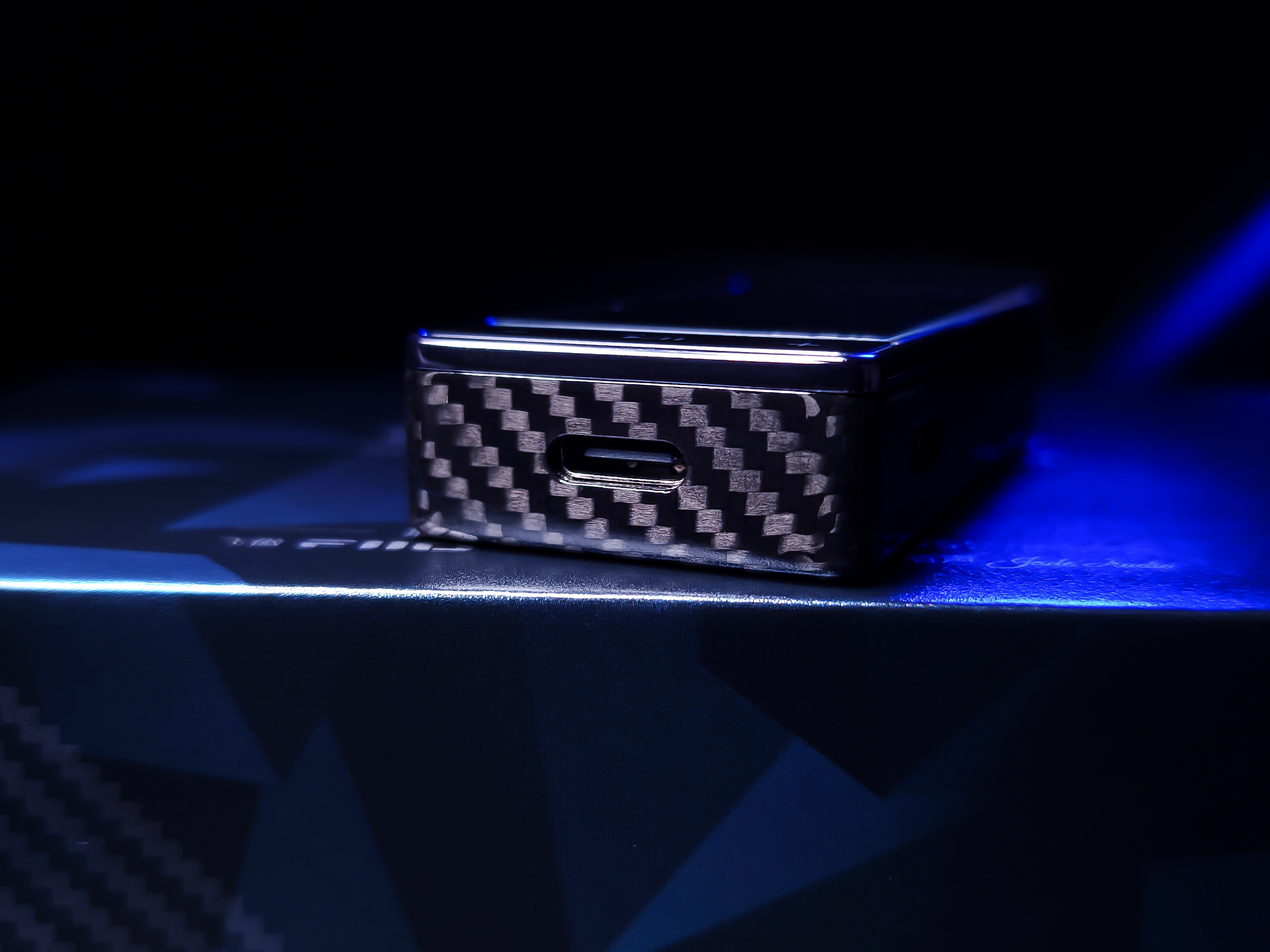
– Input: USB type C
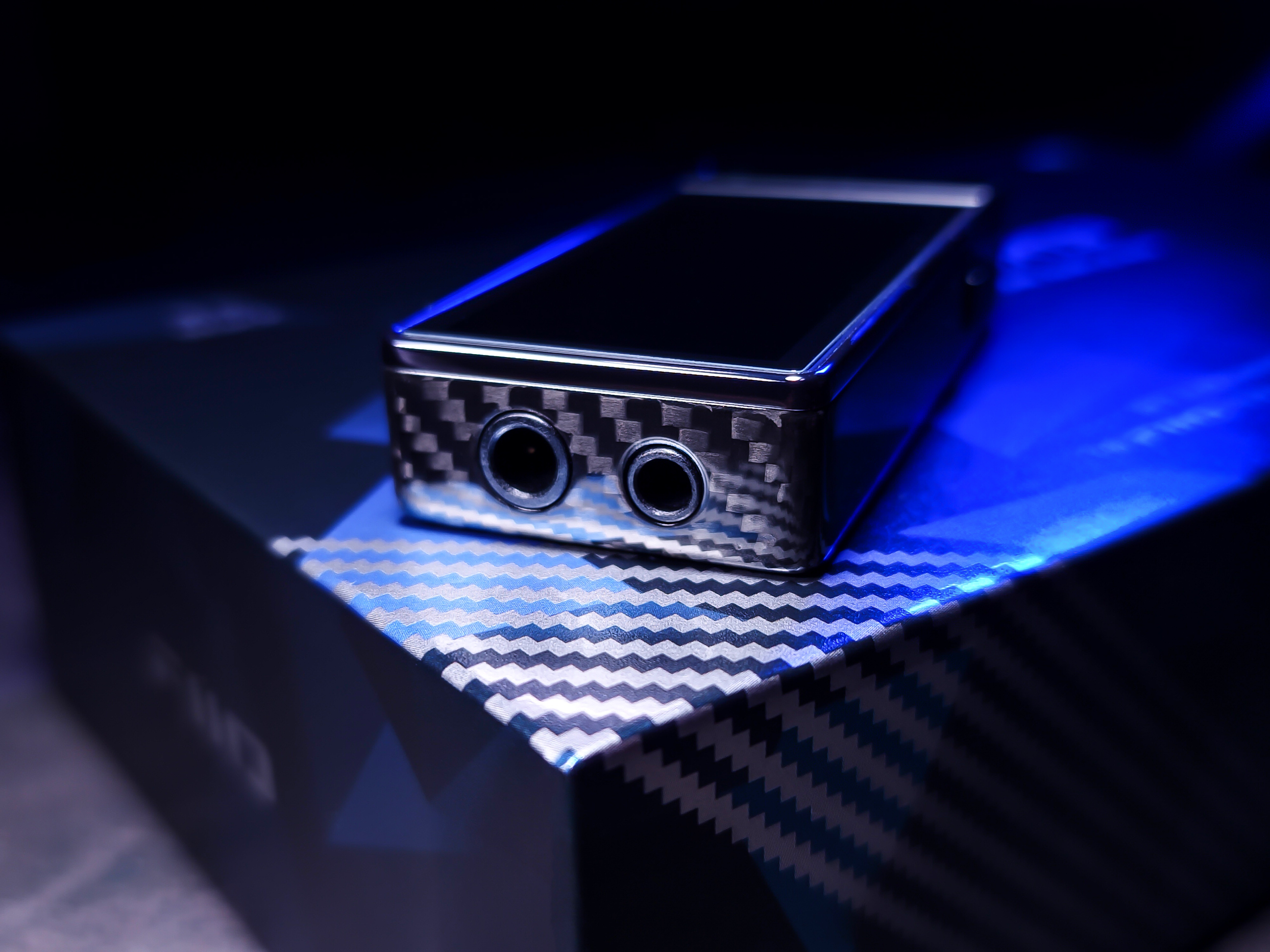
– Headphone output: Single-ended 3.5mm + balanced 4.4mm
- 3.5mm SE output power:
– L+R≥370mW+370mW (16Ω) (non-desktop mode)
– L+R≥250mW+250mW (32Ω) (non-desktop mode)
– L+R≥30mW+30mW (300Ω) (non-desktop mode)
– L+R≥440mW+440mW (16Ω) (desktop mode)
– L+R≥310mW+310mW (32Ω) (desktop mode)
– L+R≥40mW+40mW (300Ω) (desktop mode)
- 4.4mm Balanced output power:
– L+R≥470mW+470mW (16Ω) (non-desktop mode)
– L+R≥570mW+570mW (32Ω) (non-desktop mode)
– L+R≥70mW+70mW (300Ω) (non-desktop mode)
– L+R≥480mW+480mW (16Ω) (desktop mode)
– L+R≥900mW+900mW (32Ω) (desktop mode)
– L+R≥115mW+115mW (300Ω) (desktop mode)
– SNR: ≥124dB (A-weighted)
– Noise floor: PO<2μV (A-weighted); BAL<3.4μV(A-weighted)
– THD+N: <0.0004% (1kHz/-2dB@32Ω)
– QX13 dimension: 6.3cm [L] x 3cm [W] x 1.3cm [D]
– QX13 weight: 35g (carbon fiber model)
– Case weight: 12.1g
– Cable weight: 5.3g
– Cable size (edge to edge): 13cm
– Total weight (packaging, dongle, etc): 241.3g
– Packaging size: 10.8cm [L] x 18.8cm [W] x 4.1cm [D]
Full specs on the link: FiiO QX13 parameters
UNBOXING:
PHYSICAL ASPECTS:
Construction:
- Sources: Samsung S22 Ultra, Samsung A36, Dell i14 Notebook (W10).
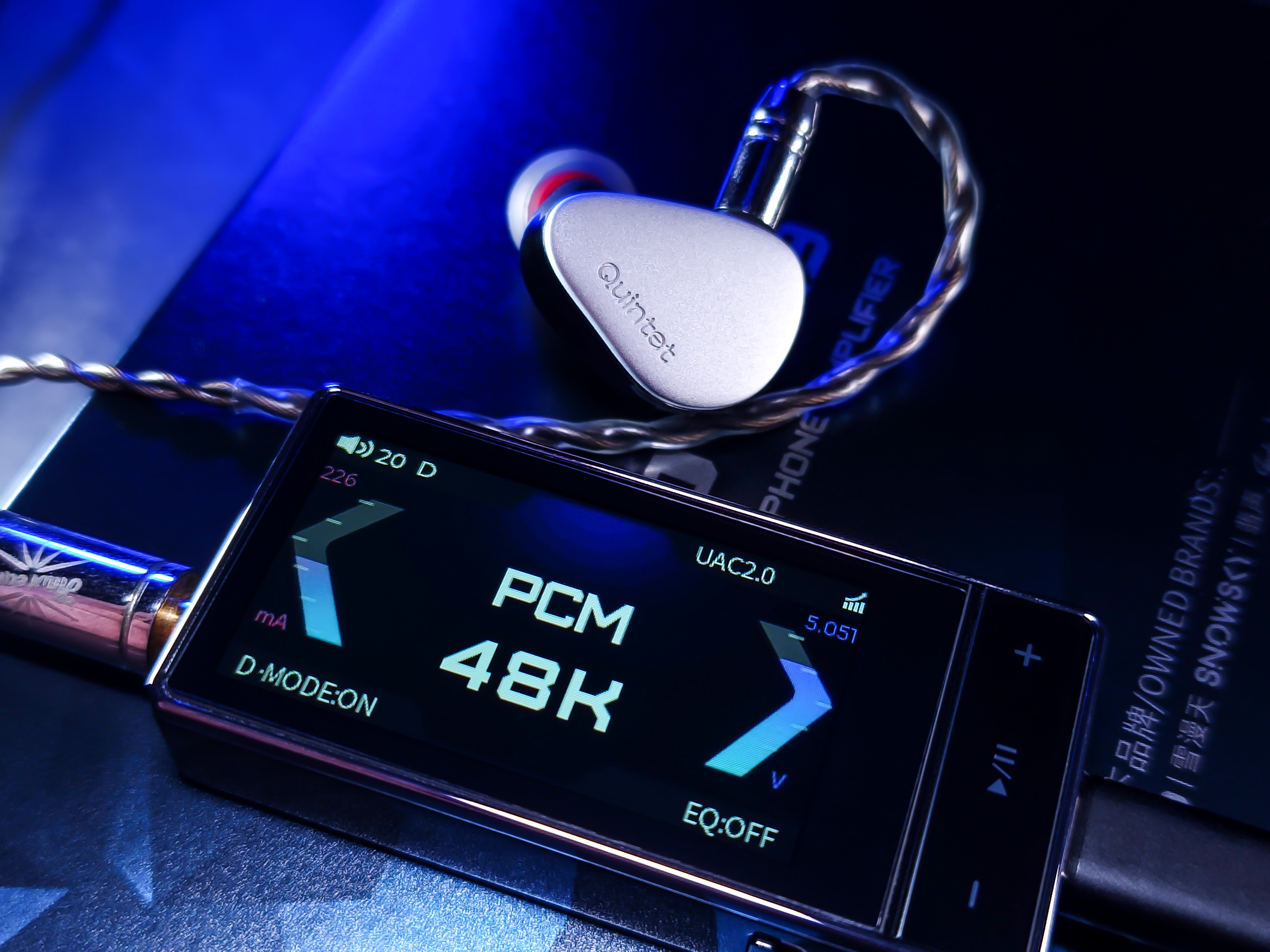
- Earphones: NICEHCK NX8, Kiwi Ears Quintet, Tin Hifi P1, Fiio JT3.
- Excellent build quality.
- Very aesthetically pleasing (subjective).
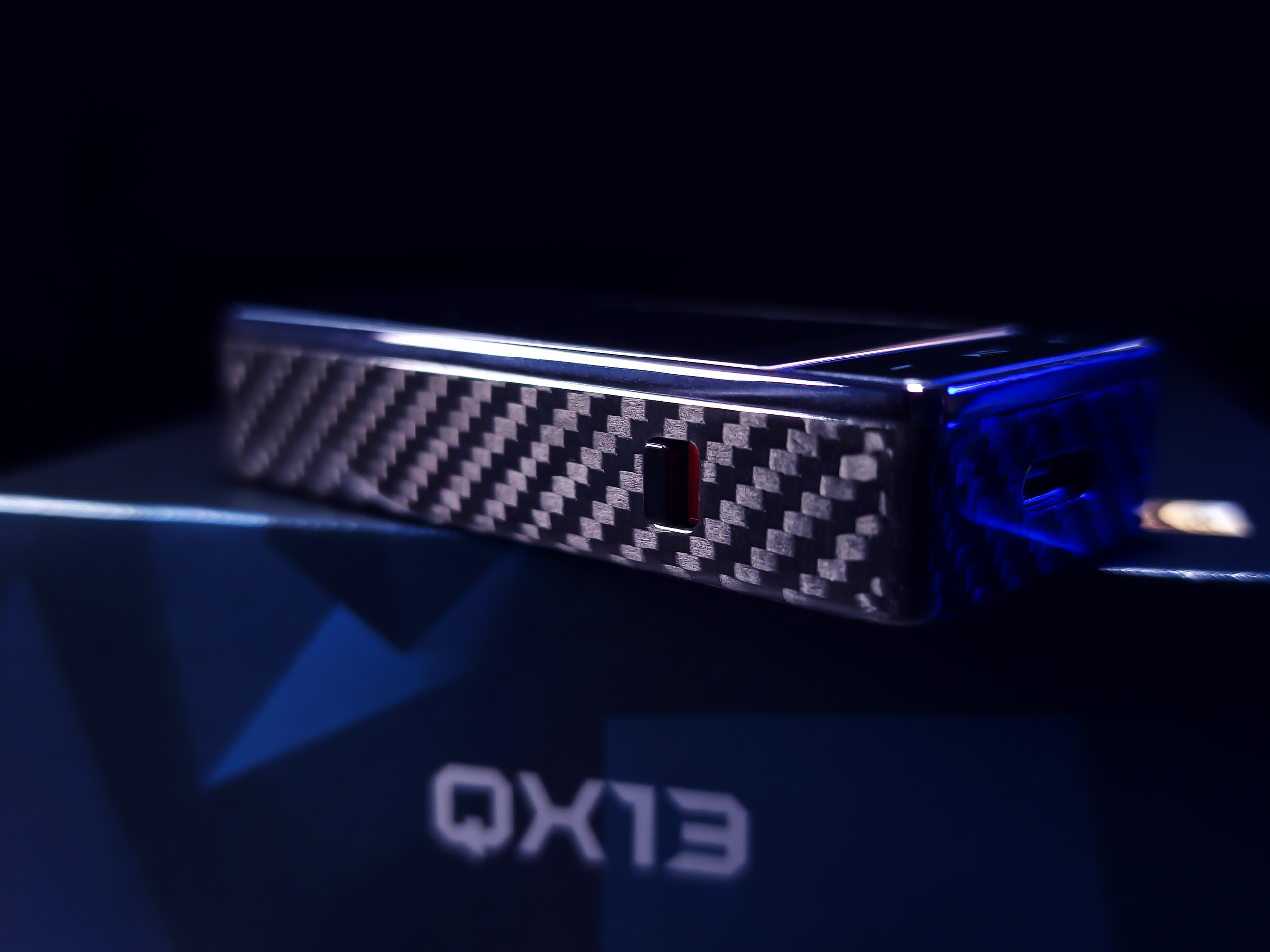
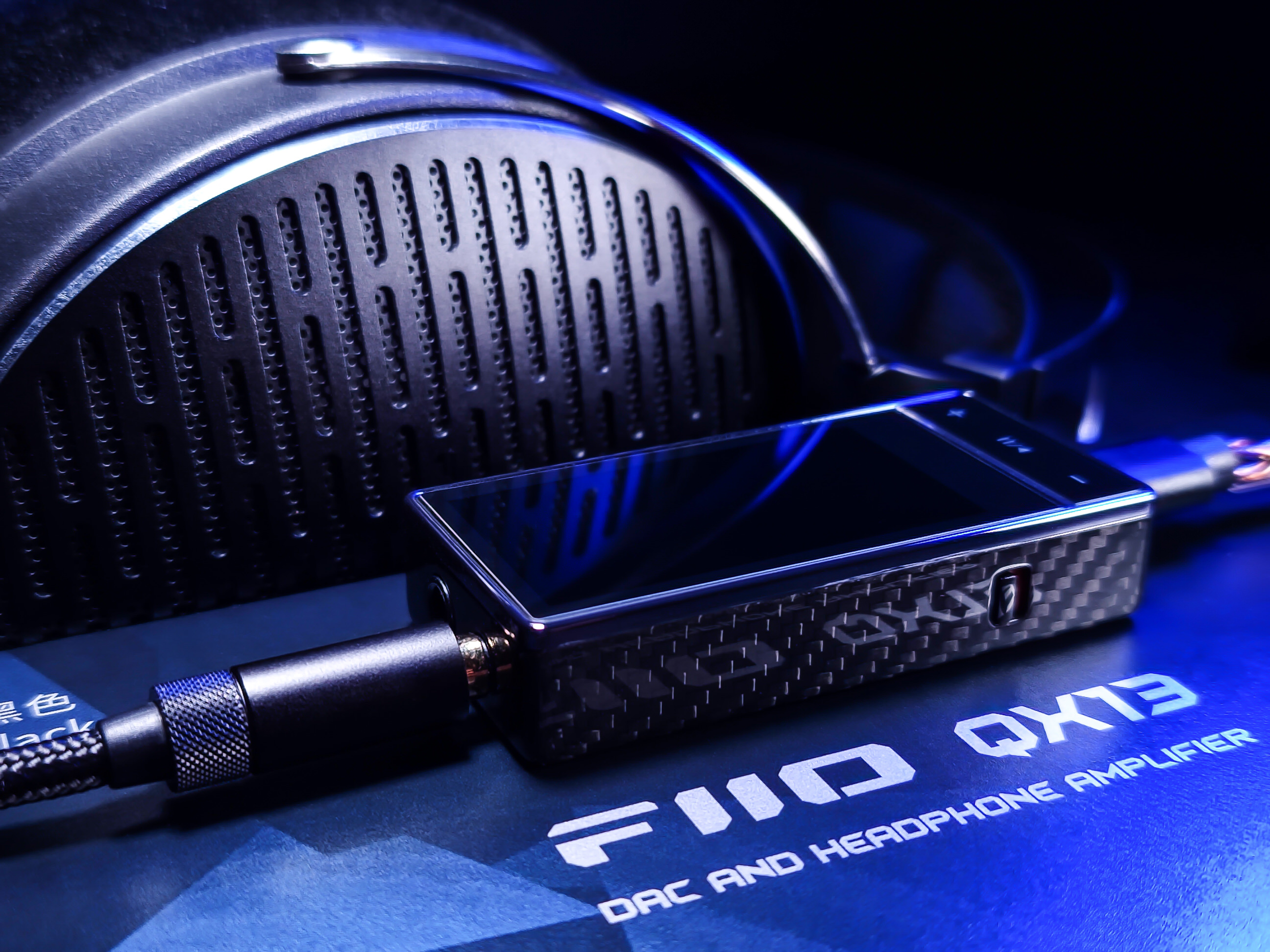
- The carbon fiber version is stunning.
- Portable and lightweight dongle. Compact.
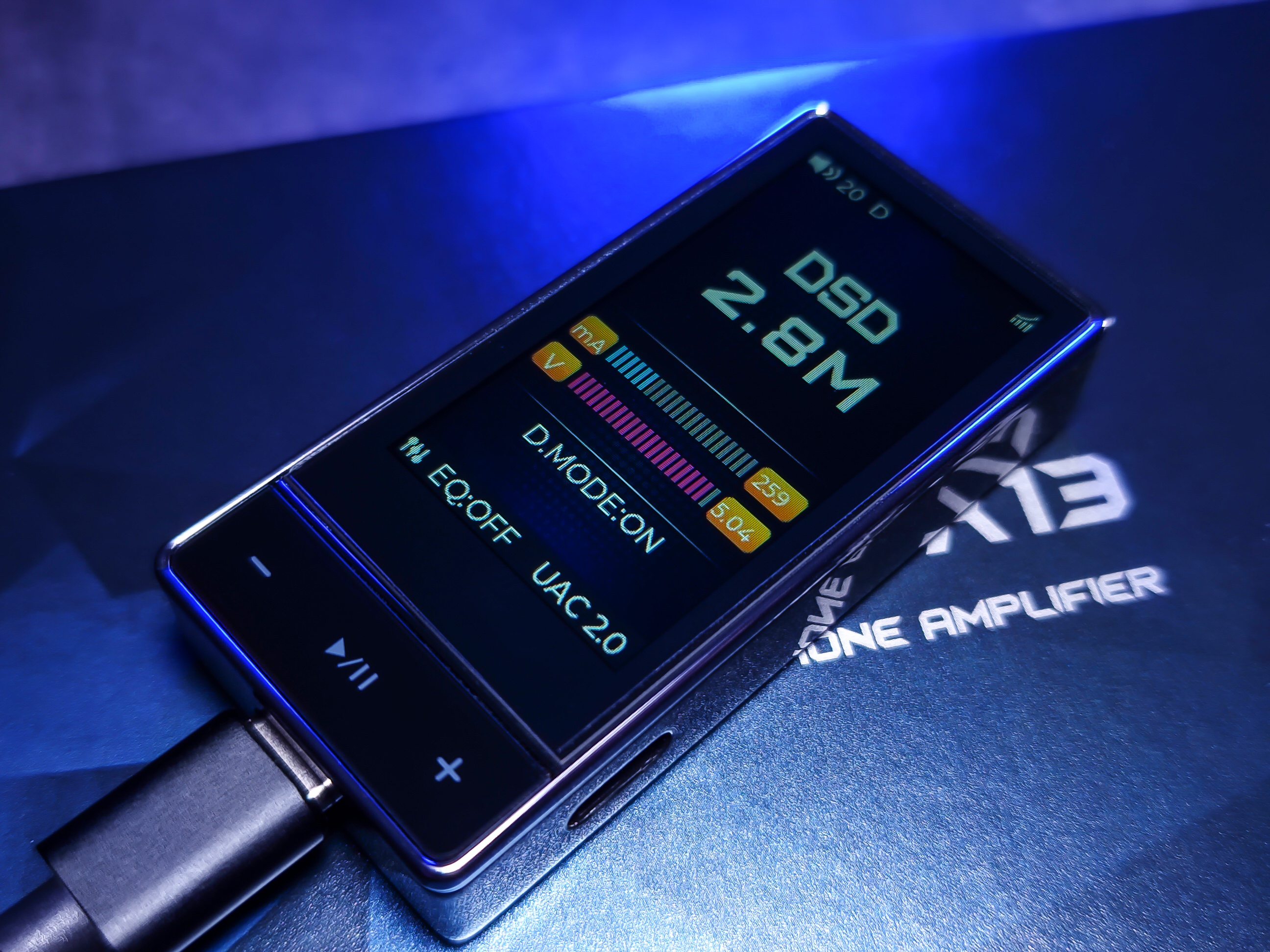
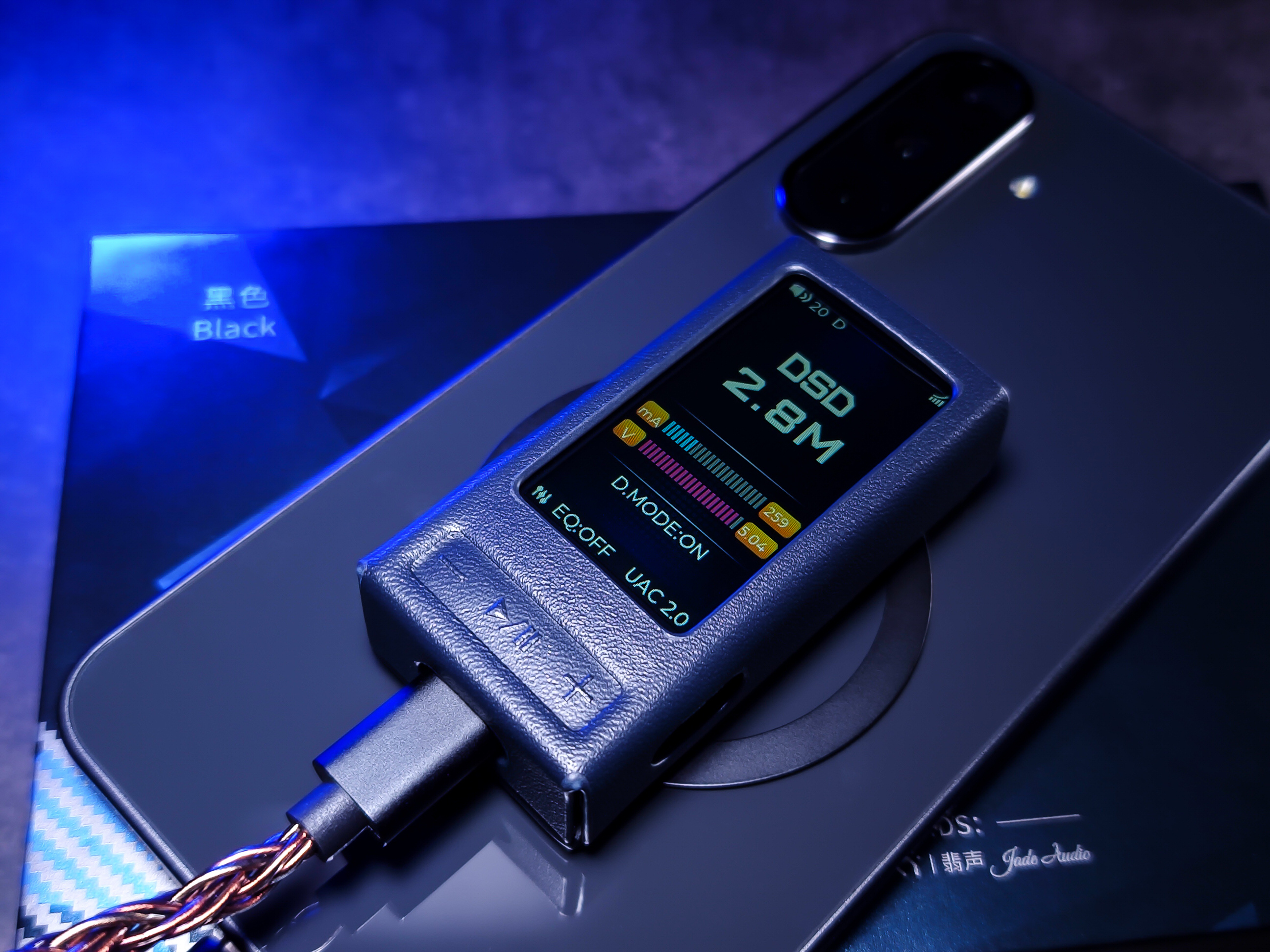
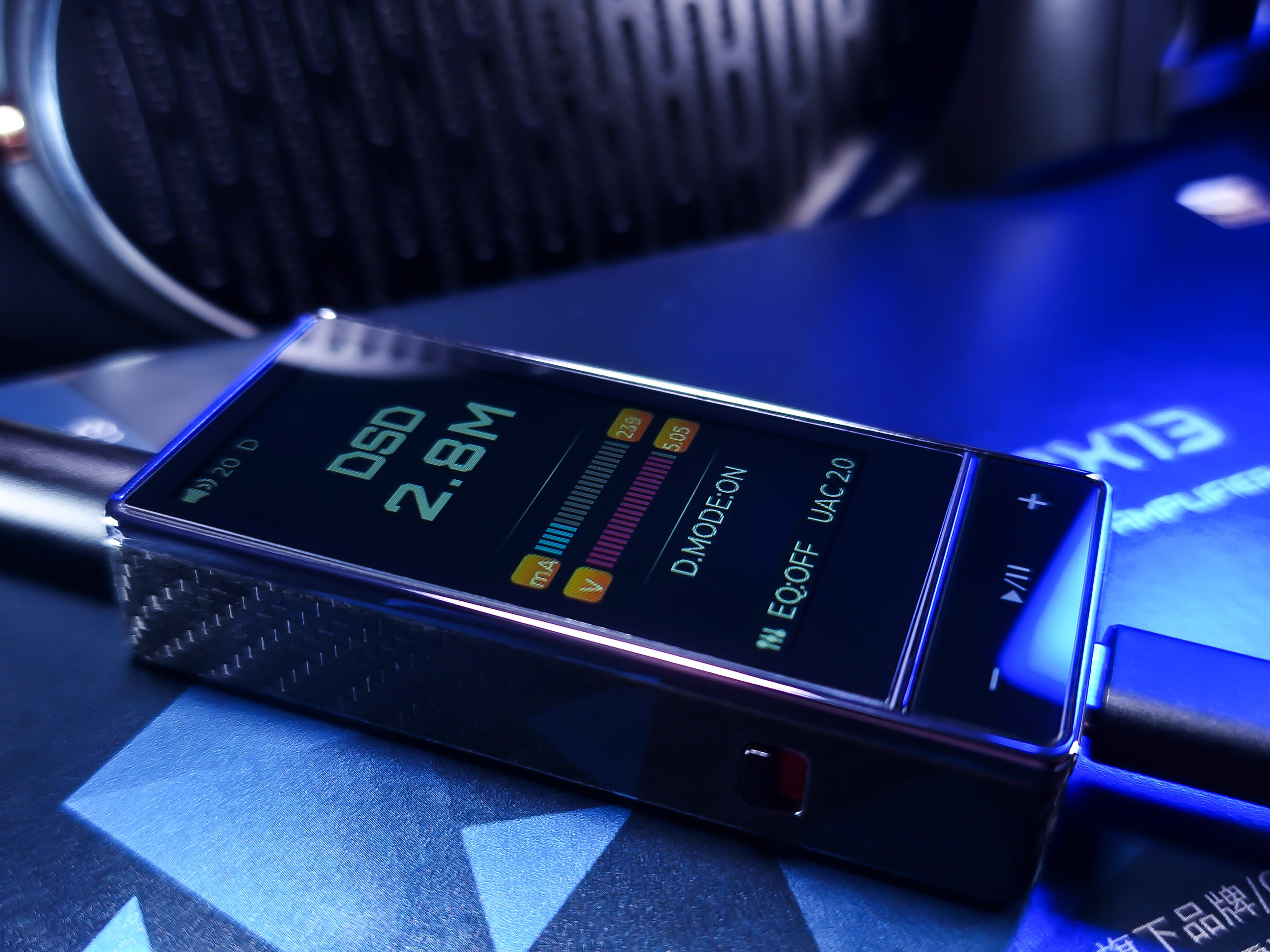
- 1.99″ color display.
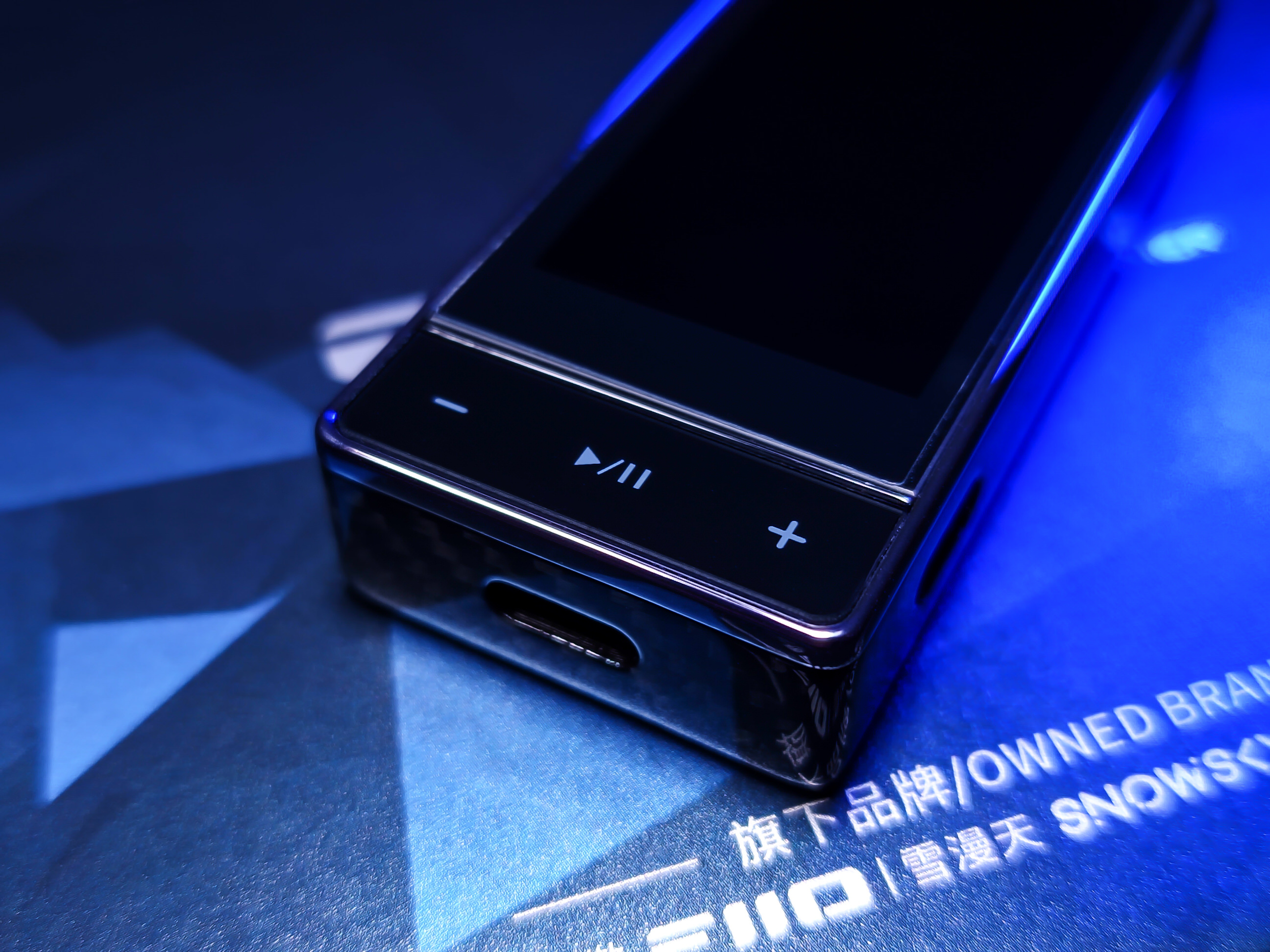
- *Not touchscreen*. Works via physical buttons.
- Comes with a screen protector installed.
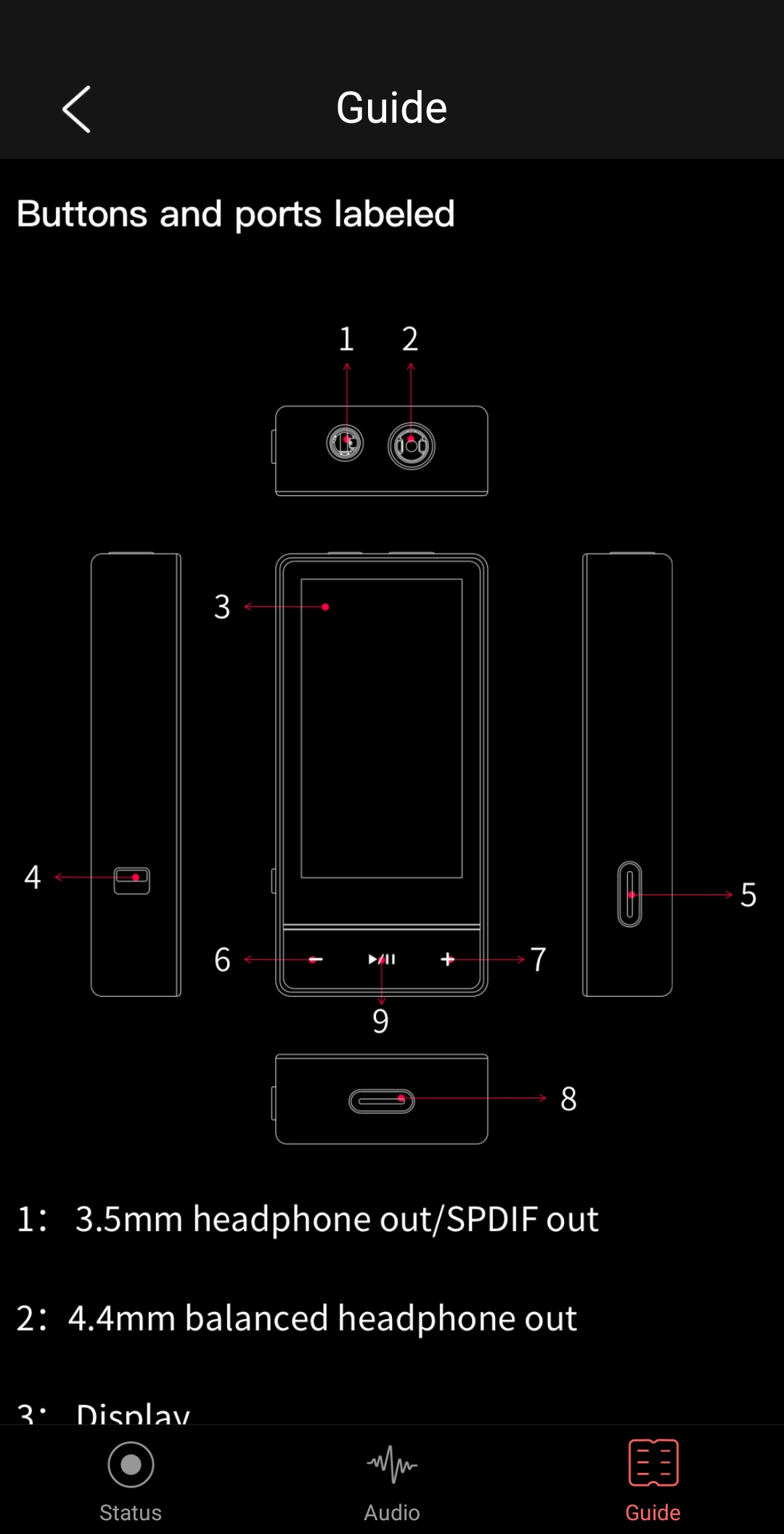
- Left side button: switches between Desktop Mode On/Off.
- Right side: USB-C port for extra power or updates.
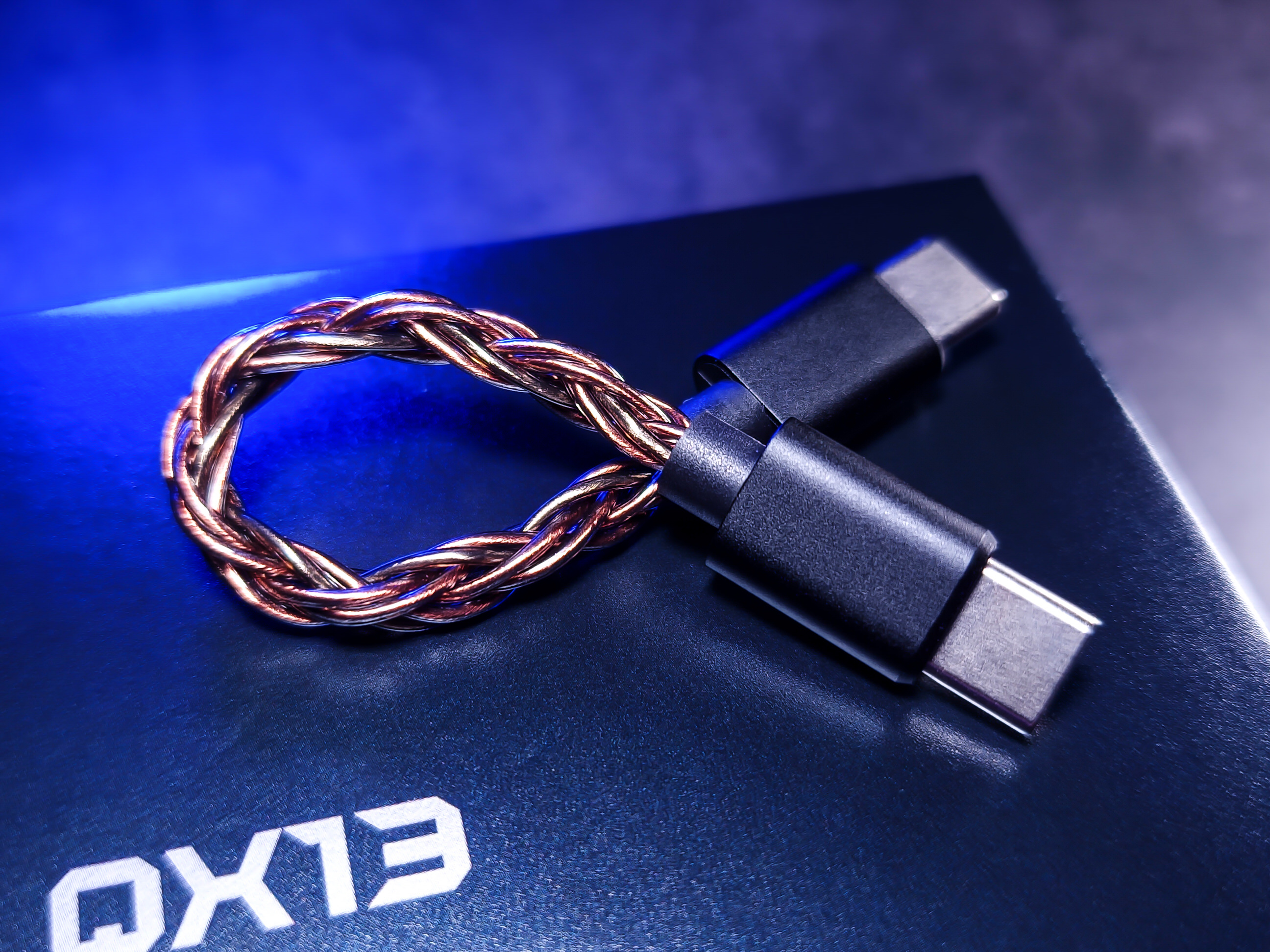
- Good quality cable, but it left a gap in the USB-C port of the dongle and the smartphone.
- It’s actually the stock cable, as I tested with another cable and the gap disappeared.
- I don’t see the need to change the cable, but I know this detail might bother someone.
- The QX13 doesn’t come with a USB-A/USB-C adapter.
- Leatherette protective case with magnetism on the back.
- The case attaches magnetically with the adhesive circle (photo 12).
Characteristics:
- It didn’t overheat, just got slightly warm.
- It’s normal for a nearly 1W dongle to heat up, especially in DMode, 4.4mm, High Gain.
- It’s Plug & Play: it recognizes the device automatically, just plug it in.
- It doesn’t have microphone or control support.
- The screen can be rotated vertically or horizontally, and inverted 180°.
- Equalization presets are available (I personally don’t use EQ).
- Independent volume control. Each device has its own volume scale.
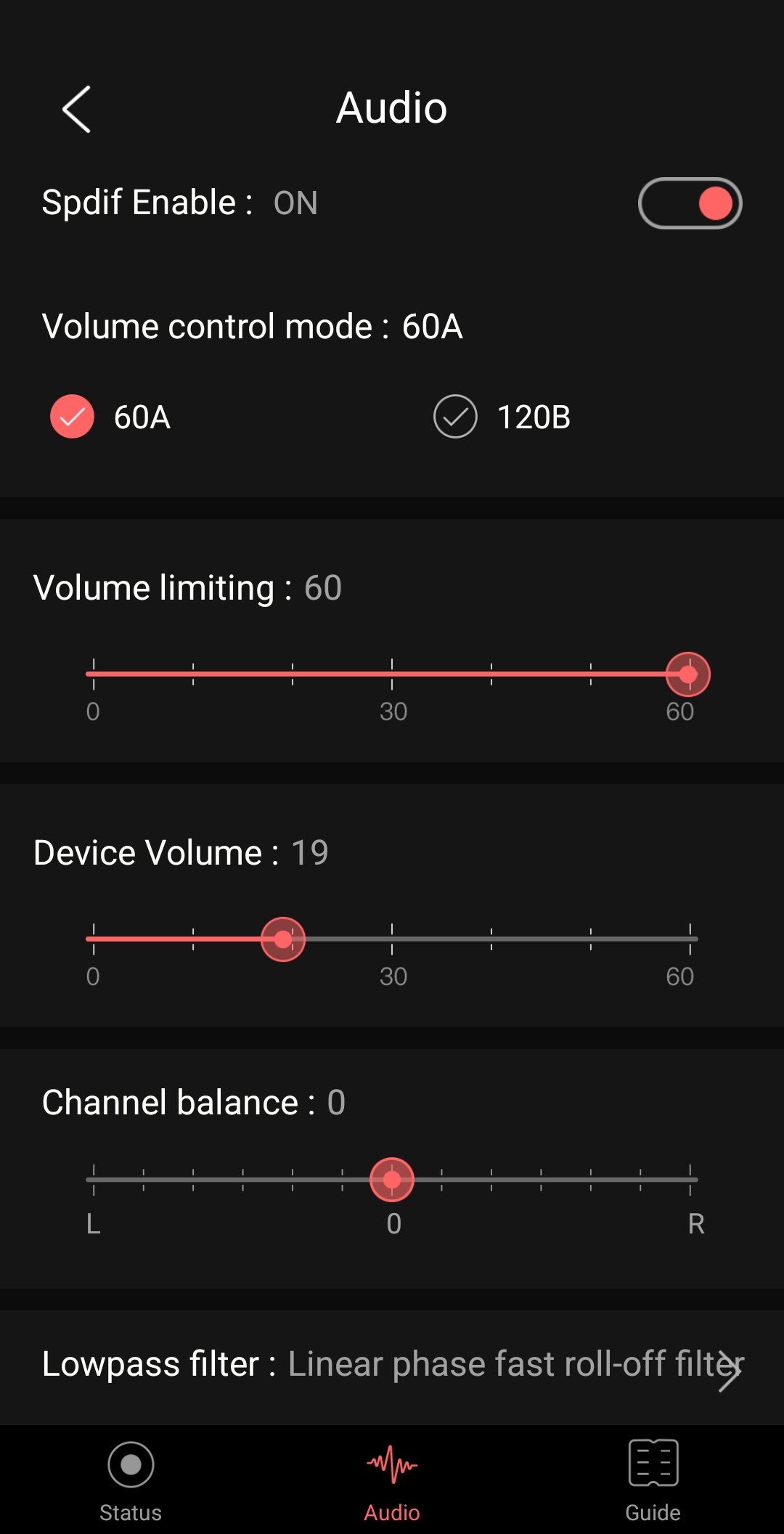
- Two volume scale types: 0 to 60, or 0 to 120.
- Be careful when using it on a PC for the first time, it went to 100% volume (even with SPDIF off).
- I only use FLAC 16Bits-44.1/48kHz and common streaming services (Spotify, Deezer, YouTube Music).
- I use VLC Player to listen to music (on all devices).
- Compatible with iOS/Mac (with some restrictions) (see FAQ).
- Can be used as a DAC via the SPDIF output (RCA coaxial).
Features:
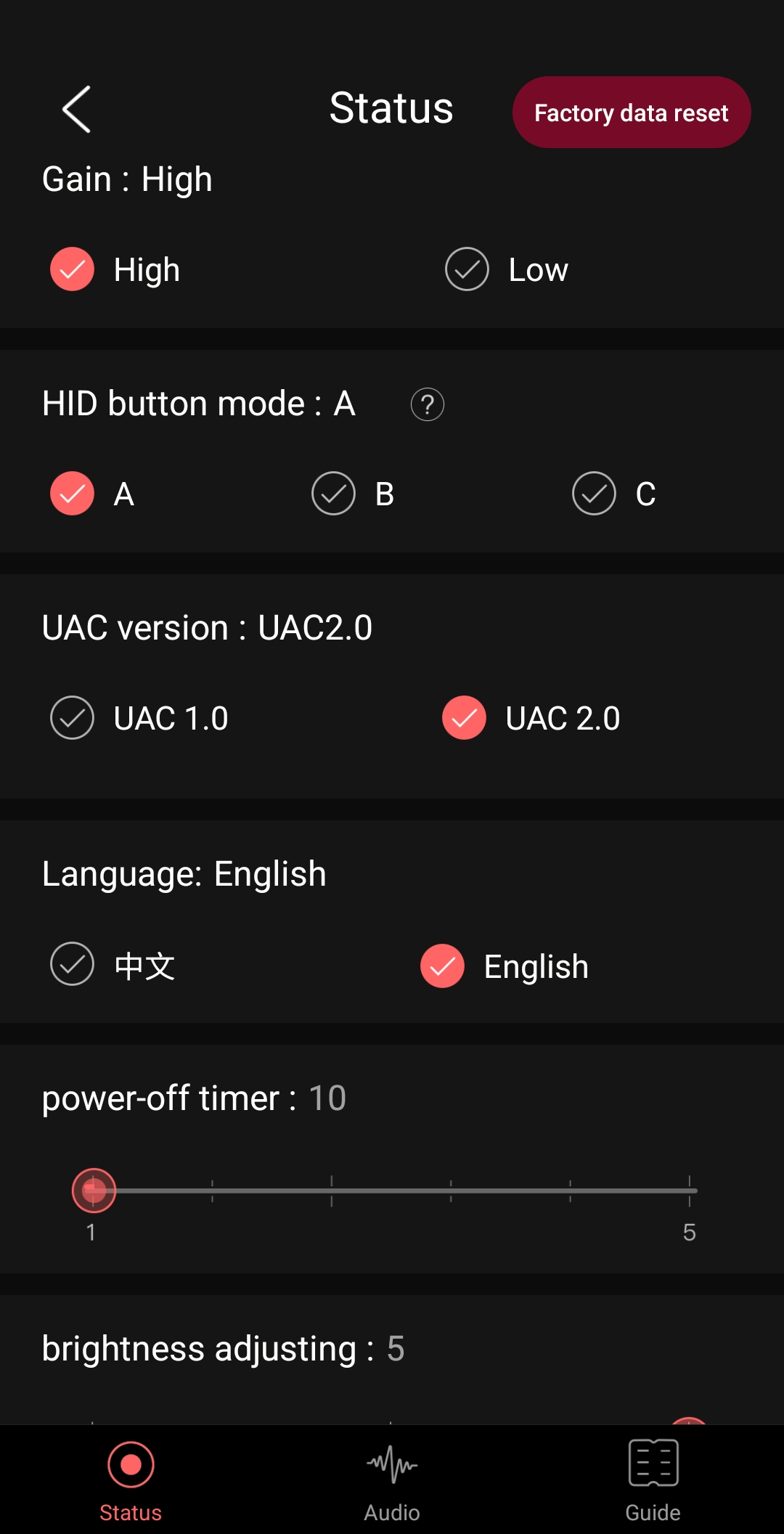
- Gain: High/Low gain setting.
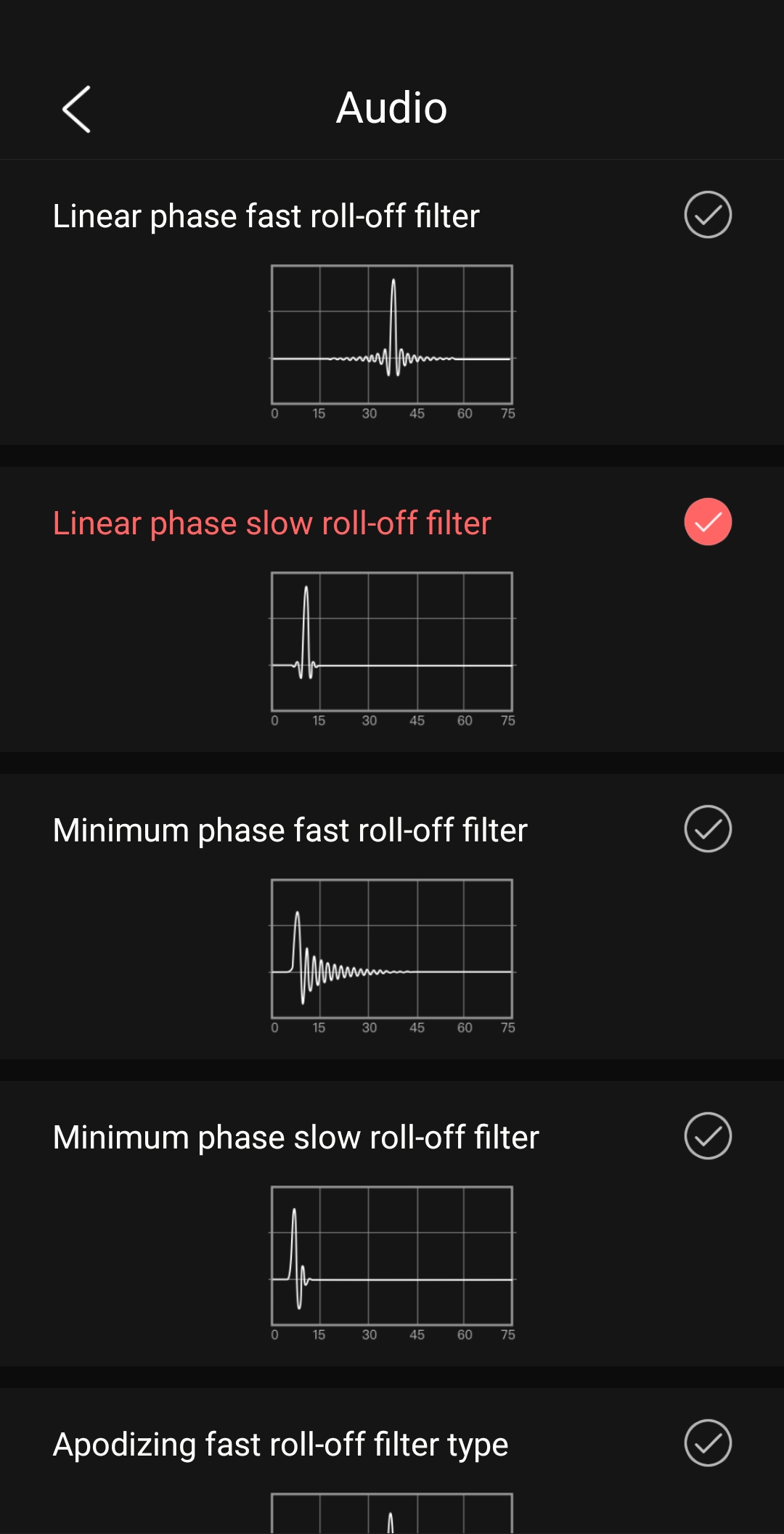
- Filter: Digital filter settings, with 7 filters available.
- Volume level: Total volume level setting, 60 and 120 levels available.
- Coaxial output: After enabling coaxial output, use a separate 3.5mm to RCA cable to output SPDIF signals. Please disable this output when listening to music through analog headphones.
- Channel balance: Left/Right channel balance setting.
- Brightness: Display screen brightness setting.
- PEQ mode: Equaizer setting.
- Max volume: Set the maximum volume limit.
- Screen rotation: Display screen rotation setting, including 180-degreen rotation.
- Screen timeout: Time setting for the screen from on to off.
- Theme: Display theme.
- UAC mode: Select between USB 2.0 and 1.0 modes.
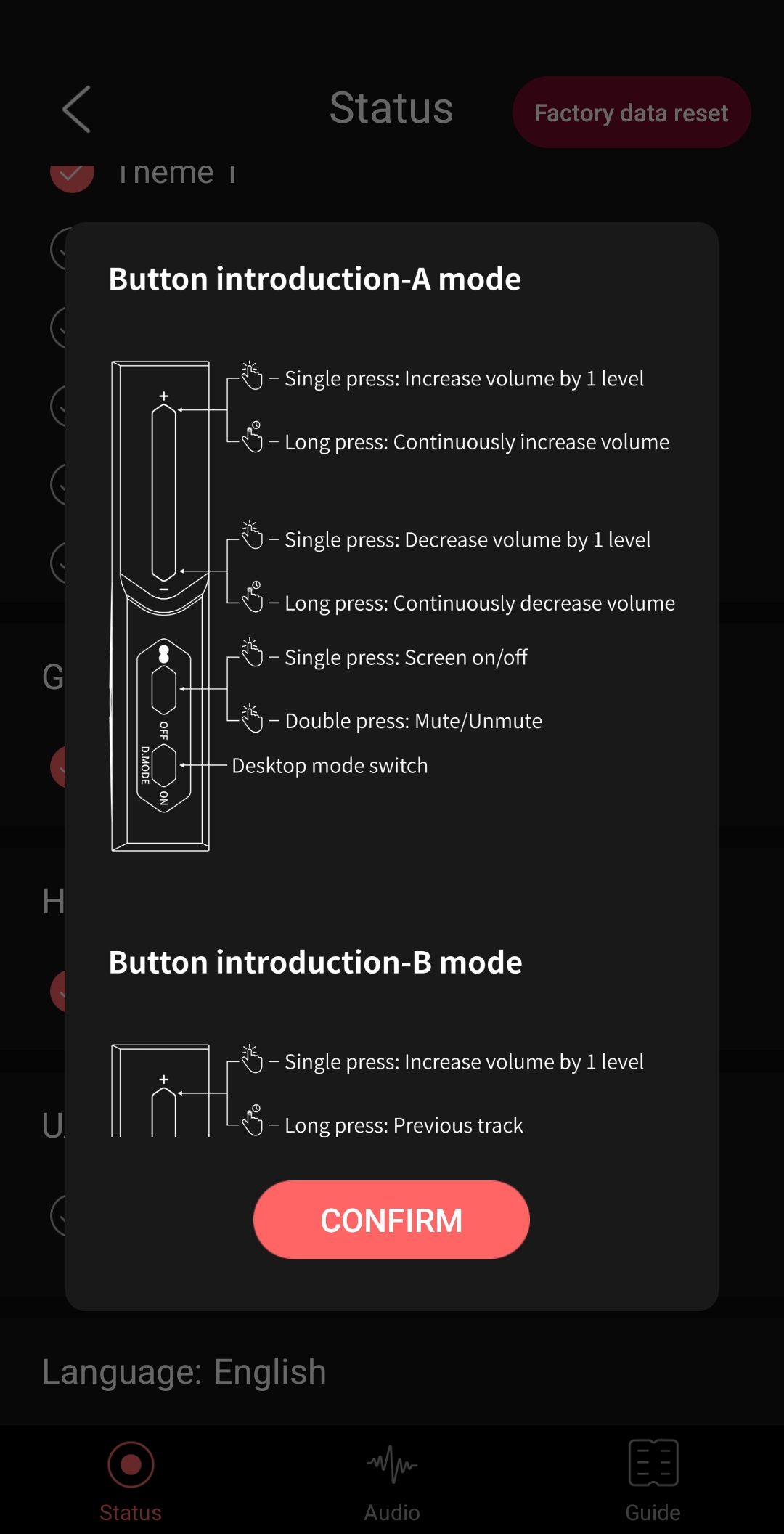
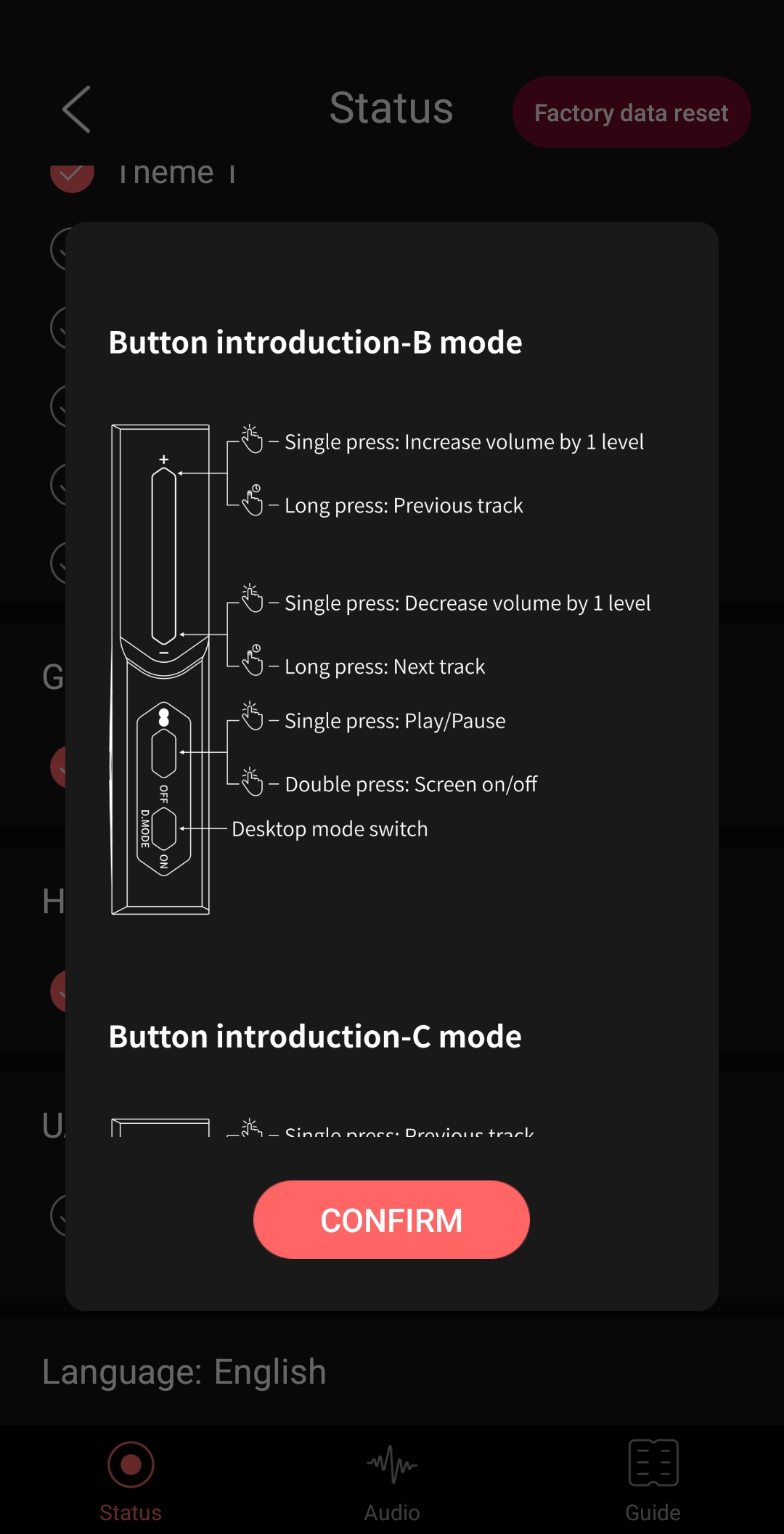
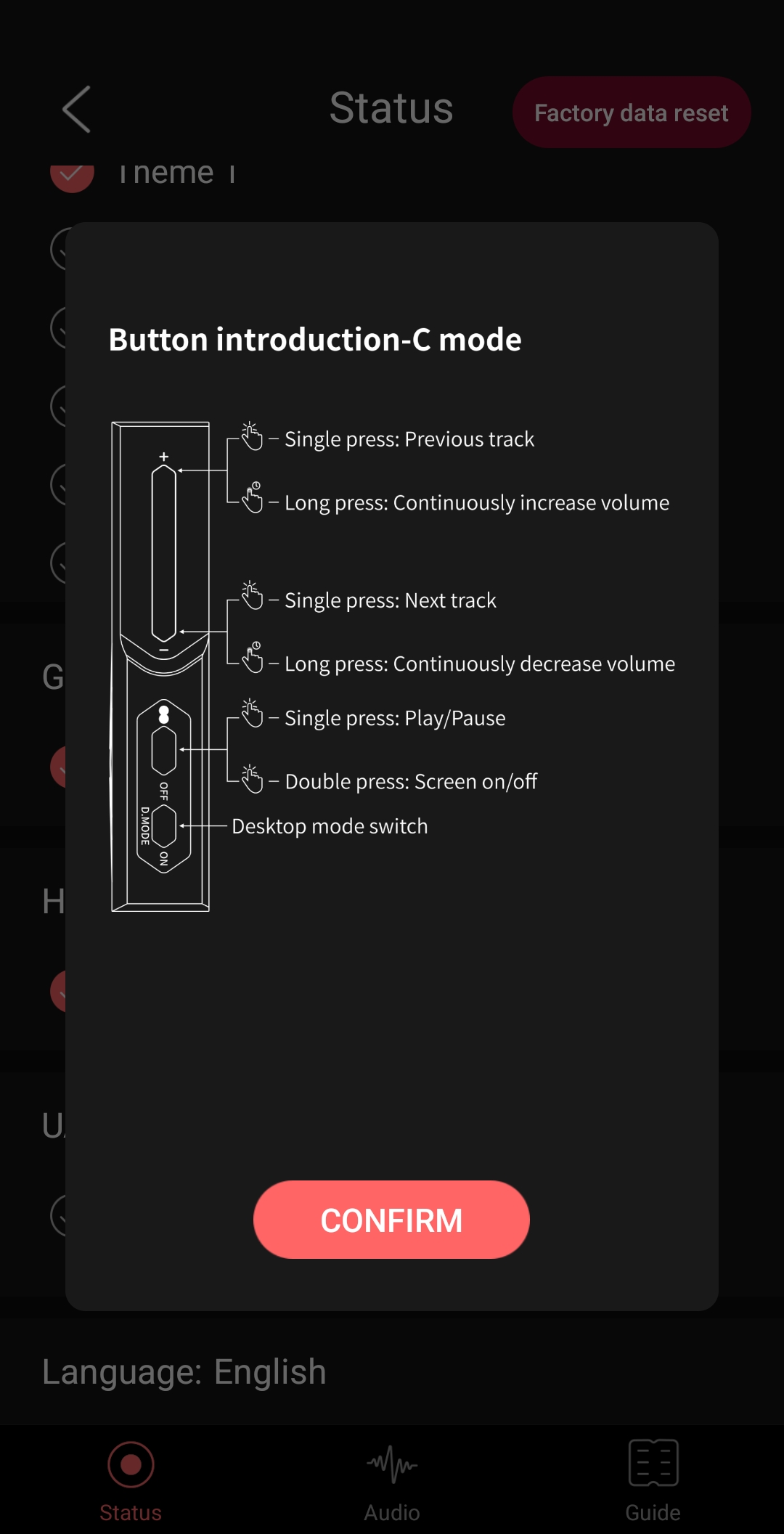
- HID button: Select Mode A, B or C.
- USB-OTA: Enable to upgrade single chip firmware by connecting to a computer via the side Type-C port.
- Charging settings: Enable or disable charging for the mini power bank ESTICK connected to the side Type-C input port. After enabling charging, please connect a power adapter to the main Type-C port, and select enabling charging in the pop-up window to complete the charging process. (Note: Only supports, charging the mini power bank ESTICK. After enabling charging, please do not connect power adapters to both Type-C ports simultaneously to avoid damaging the device.)
- Language: Select between Chinese and English.
- Factory reset: Restore all default settings.
- Version: Display firmware version number.
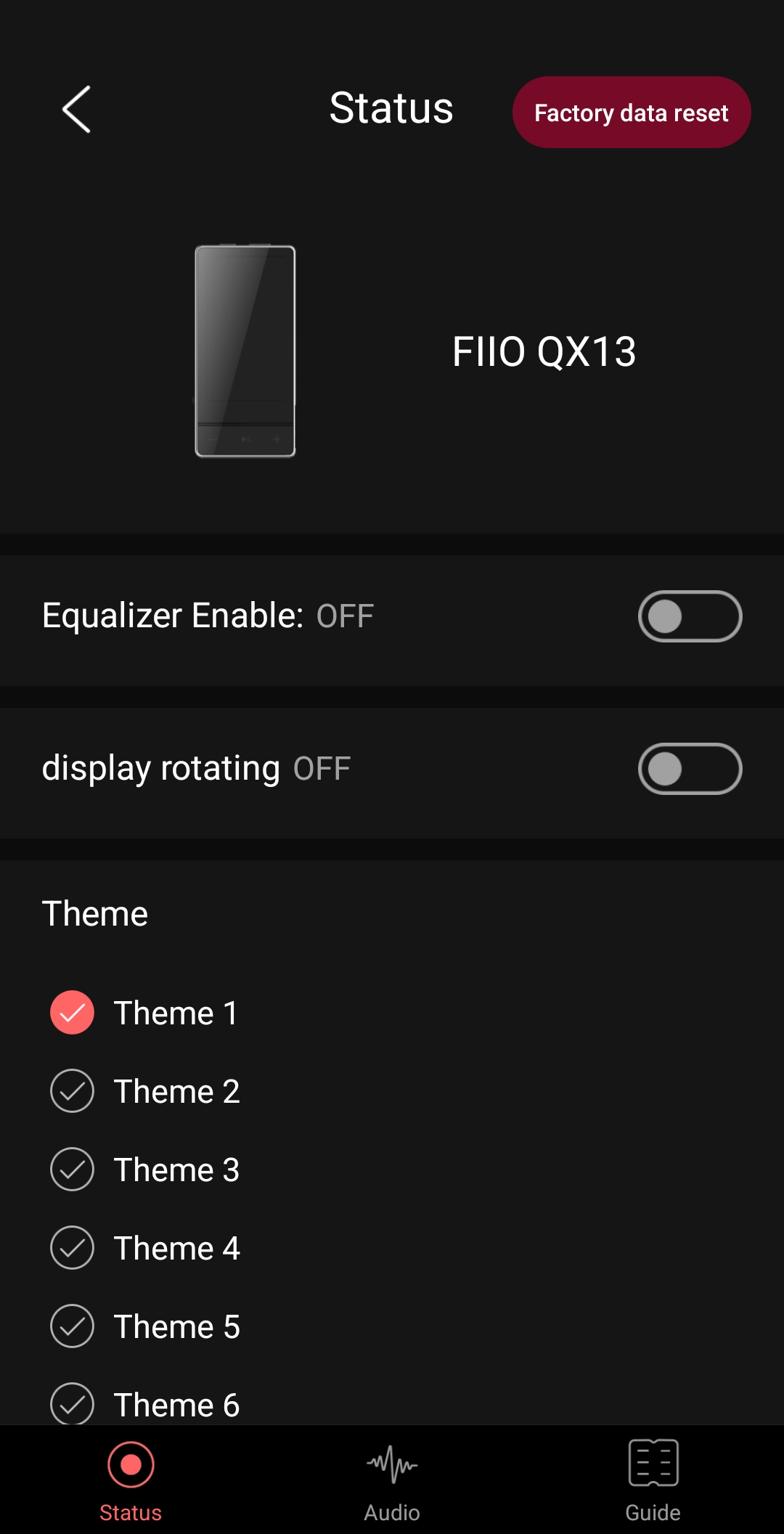
FiiO Control App:
- Available for Android and web browser.
- Link to web version: https://fiiocontrol.fiio.com/
- The app replicates the functions available on the device.
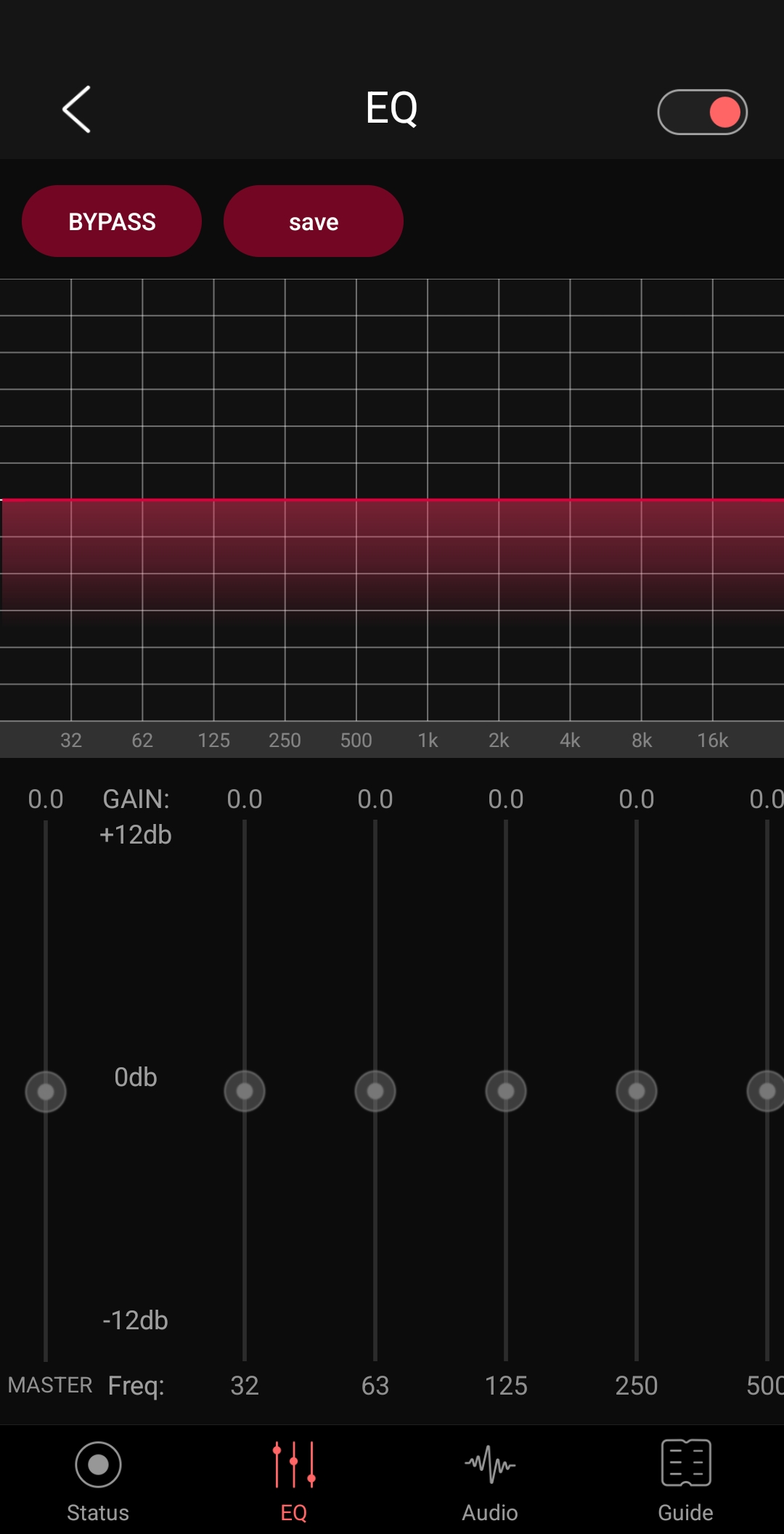
- Parametric equalizer via the app (photo 5).
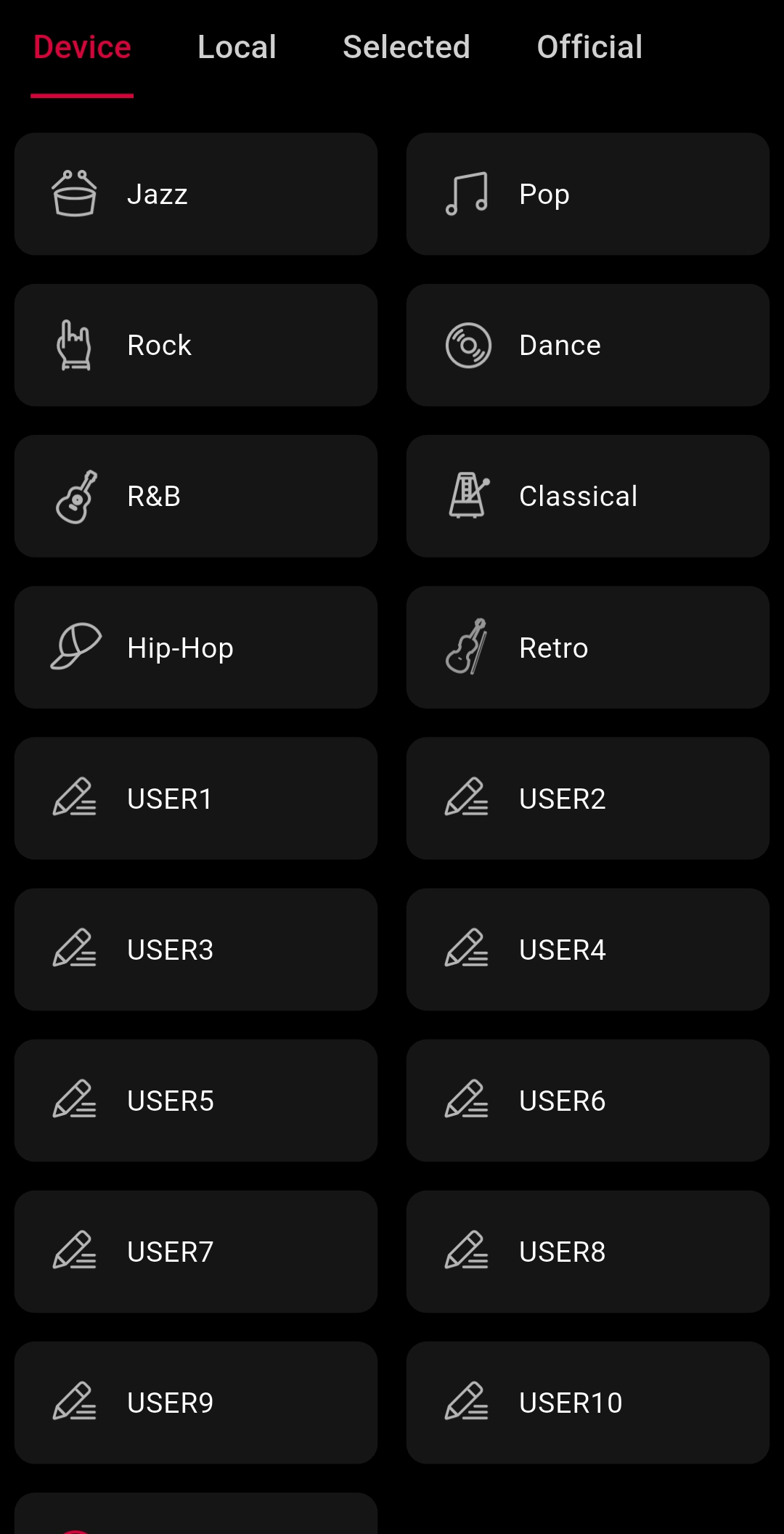
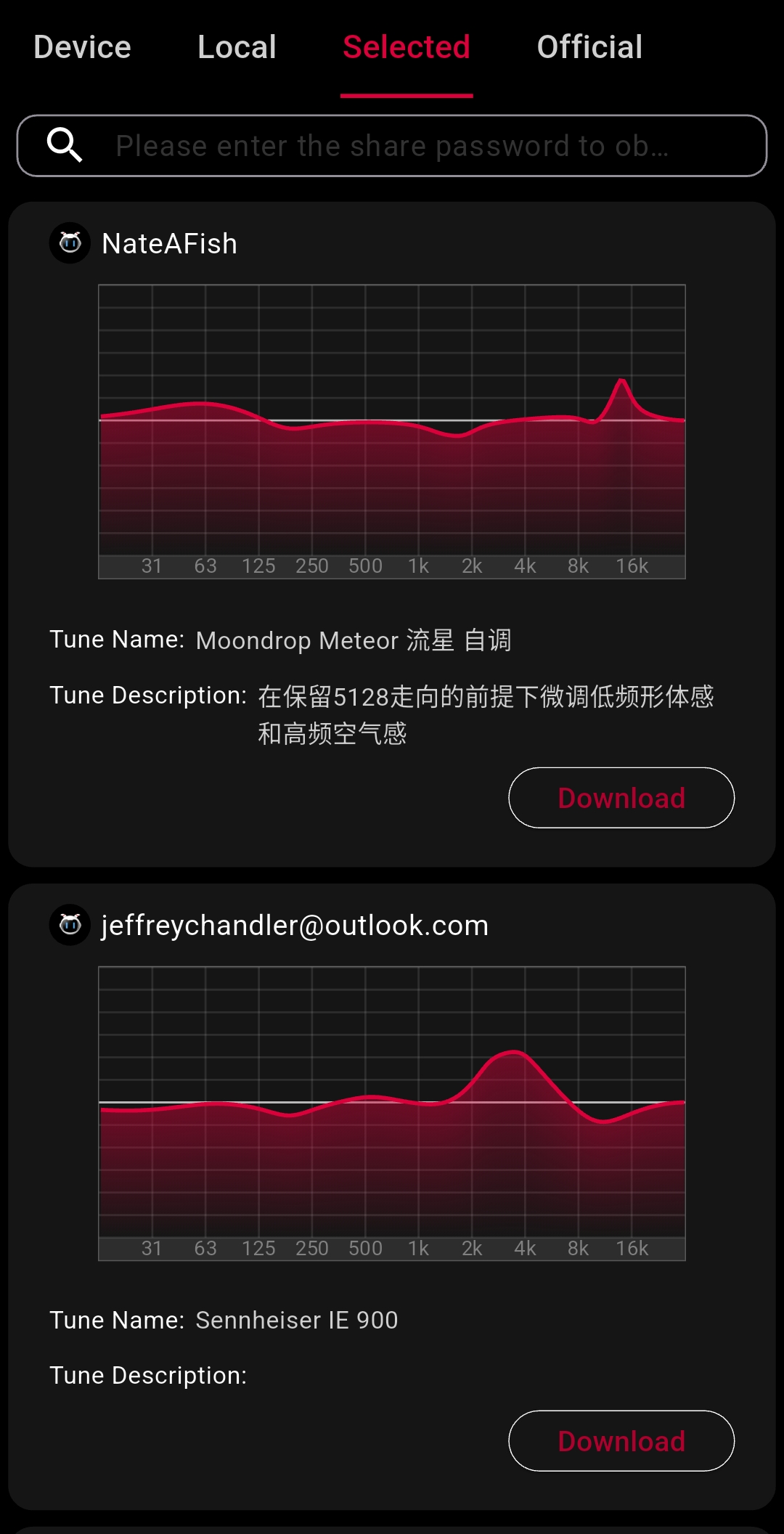
- Photos 10, 11, and 12 below show the KA17, but the configuration is the same for the QX13.
- The app has a slight delay when switching between tabs.
- The app has 6 themes, but the QX13 only has 4 (due to the firmware version).
- The app doesn’t support iPhone (iOS).
Content:
- DAC/AMP Dongle QX13.
- USB-C to USB-C cable.
- Magnetic protective case.
- Magnetic ring with adhesive for cellphone.
- Protective films (front and back).
- Manual and warranty.
- Hi-Res sticker.
- 2 plastic covers for the USB-C cable.
SOUND ASPECTS:
- DAC ESS ES9027SPRO used in Hi-End products.
- Excellent audio quality. Fiio standard.
- Clean, transparent, and high-definition sound.
- No background noise (or inaudible noise).
- No coloration or distortion.
- Excellent level of instrumental separation (imaging).
- Regarding the DAC’s digital filters, I personally don’t hear a difference.
- Overall, the QX13 becomes a reference dongle.
- Best dongle I’ve tested so far.
Amplification:
- I always used the QX13 on High Gain.
- I review the sound quality with the dongle connected to the notebook.
- Desktop Mode is the best option (although it consumes more power).
- NX8, Quintet, and JT3 are easy to drive; I used them on the 3.5mm output.
- I used the P1 on the 4.4mm balanced output.
- The QX13 drove all the earphones with ease.
- In Desktop mode, NX8 and Quintet at 20%, P1 and JT3 at 30% volume.
- Without Desktop mode enabled, I increased the volume by 10% for all earphones.
- Using the dongle’s 60-level scale.
- I left the Windows volume at 100% and controlled only the volume on the QX13.
- I managed to set the P1 to maximum volume and there was no clipping (distortion).
- The QX13 can power almost all IEMs on the market (with rare exceptions).
- It will also handle powering many headphones.
- Almost 1W on a 4.4mm driver for such a small product is impressive.
PROS AND CONS:
– Excellent build quality
– Very nice design (subjective)
– Best DAC/AMP Dongle I’ve ever tested
– Power for IEMs and many headphones
– Supports the ESTICK (mini power bank)
– Supports the Fiio Control App (Android)
– 10-band PEQ and EQ Presets
– Hi-Res sound
– Excellent transparency and definition
– No audible distortion
– Excellent imaging
– Doesn’t overheat (but gets warm)
– Balanced 3.5mm and 4.4mm outputs
– Good quality USB-C cable*
– Lightweight and portable product
– No slack noise (buttons, etc.)
– Protective case included (with magnetism)
– No USB-A adapter included
– Stock cable is slightly loose in the USB-C port
– The app has a slight delay when switch tabs
– Buttons make a “click” sound when pressed
– No microphone or controller support
Thank you so much for being here!
Follow us on Instagram to get all the news!
We are on Reddit too.

 )
)

 IEMs and Music