>>I am brazilian and I speak portuguese, so forgive my english, I’ll use translation tools to help<<
INTRO:
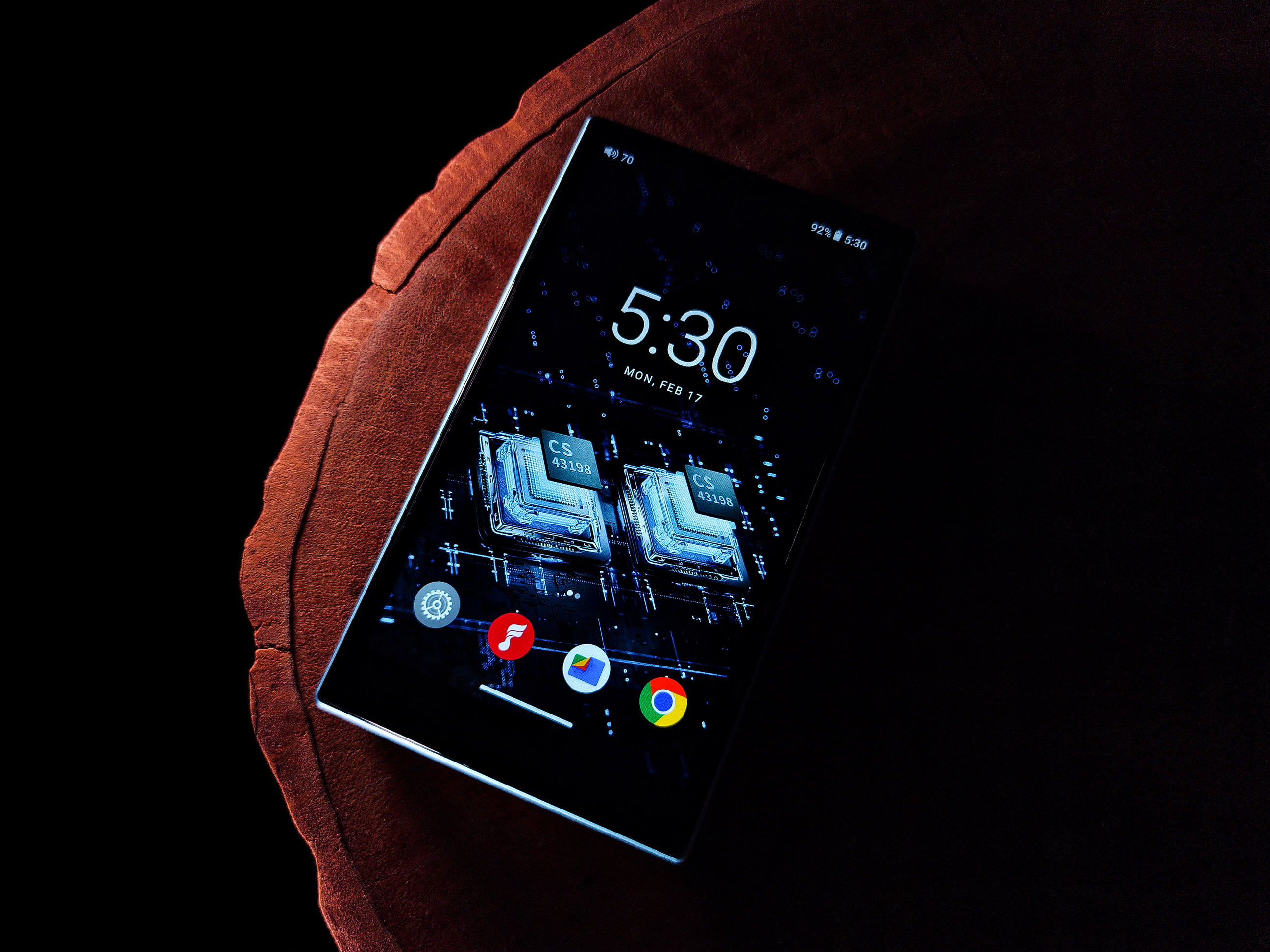
After evaluating the FiiO M11S, I came to the conclusion that DAPs (Digital Audio Players) are very complete equipments. In 99% of the cases, a DAP will fully meet your needs. Of course, if your intention is to listen to music in a more “portable” way. Now, FiiO has brought to the market a DAP that I consider to be even more portable, which is the FiiO JM21. The equipment aims to be a more affordable option with some features of the company’s more sophisticated players.
Price: $199 USD
FiiO Reviews: FH3, KA1, HS18 (only in PT); JD7, KA5, FD11, Q11, M11S, KA11, JT1, BTR13, BTR11 (in english)
FIIO LINKS:
https://s.click.aliexpress.com/e/_oEXVTxv (official store)
https://s.click.aliexpress.com/e/_c40SvADR (v. 4GB RAM+ 64GB)
SPECIFICATIONS:
– Color: Sky blue
– Material: Aluminum + Plastic
– Dimensions: About 120.7 x 68 x 13mm
– Weight: 156g
– SoC: Qualcomm Snapdragon 680
– RAM and storage: 3GB RAM + 32GB ROM (22GB ROM usable)
– Storage expansion: Standard microSD up to 2TB
– Operational System: Android 13
– Working modes: Android; Pure Music; USB DAC; Bluetooth receiving
– WiFi: 2.4GHz/5GHz; DLNA; AirPlay; WiFi music transfer, etc
– DAC: CS43198*2
– Op-amp: SGM8262*2
– Display: 4.7 inch HD (750×1334)
– Outputs: 3.5mm SE/PO/SPDIF and 4.4mm balanced
– USB connector: Type C USB2.0 data/charging/USB audio
– Bluetooth version: 5.0
– Bluetooth transmission: AAC/SBC/aptX/aptX HD/LHDC/LDAC
– Bluetooth reception: AAC/SBC/LDAC
– Local decoding: 384khz/32bit; DSD256 (native)
– USB DAC: 384khz/32bit; DSD256 (native)
– USB Audio: 768khz/32bit; DSD512 (DoP/D2P/native)
– Coaxial output: 384khz/24bit; DSD128 (DoP/D2P)
– Power output 1: L+R≥245mW+245mW (32Ω, THD+N<1%)(single-ended 3.5mm)
– Power output 2: L+R≥700mW+700mW (32Ω, THD+N<1%)(balanced 4.4mm)
– SNR: ≥130dB
– Noise floor: <1.5μV
– Output impedance: <1Ω
– THD+N: <0.0006%
– Battery capacity: 2400mAh
– Battery life: 3.5mm= 12.5h, 4.4mm= 9.5h
– Charging time: About 2h (5V 2A power supply)
Full specs here: FiiO JM21 parameters
DEVICES USED:
– Kiwi Ears Quintet
– Tin HiFi P1
– Roseselsa i5
– FiiO KA11
– MotoZ3Play
– Samsung S22U
– Dell Inspiron 14 (W10)
UNBOXING:
PHYSICAL ASPECTS:
Construction: Let’s be clear that the JM21 is a more affordable DAP, it costs less than half the original price of the M11S, so it’s clear that we’re going to have a less fancy equipment, but that doesn’t mean it’s an inferior product, it has its advantages and disadvantages.
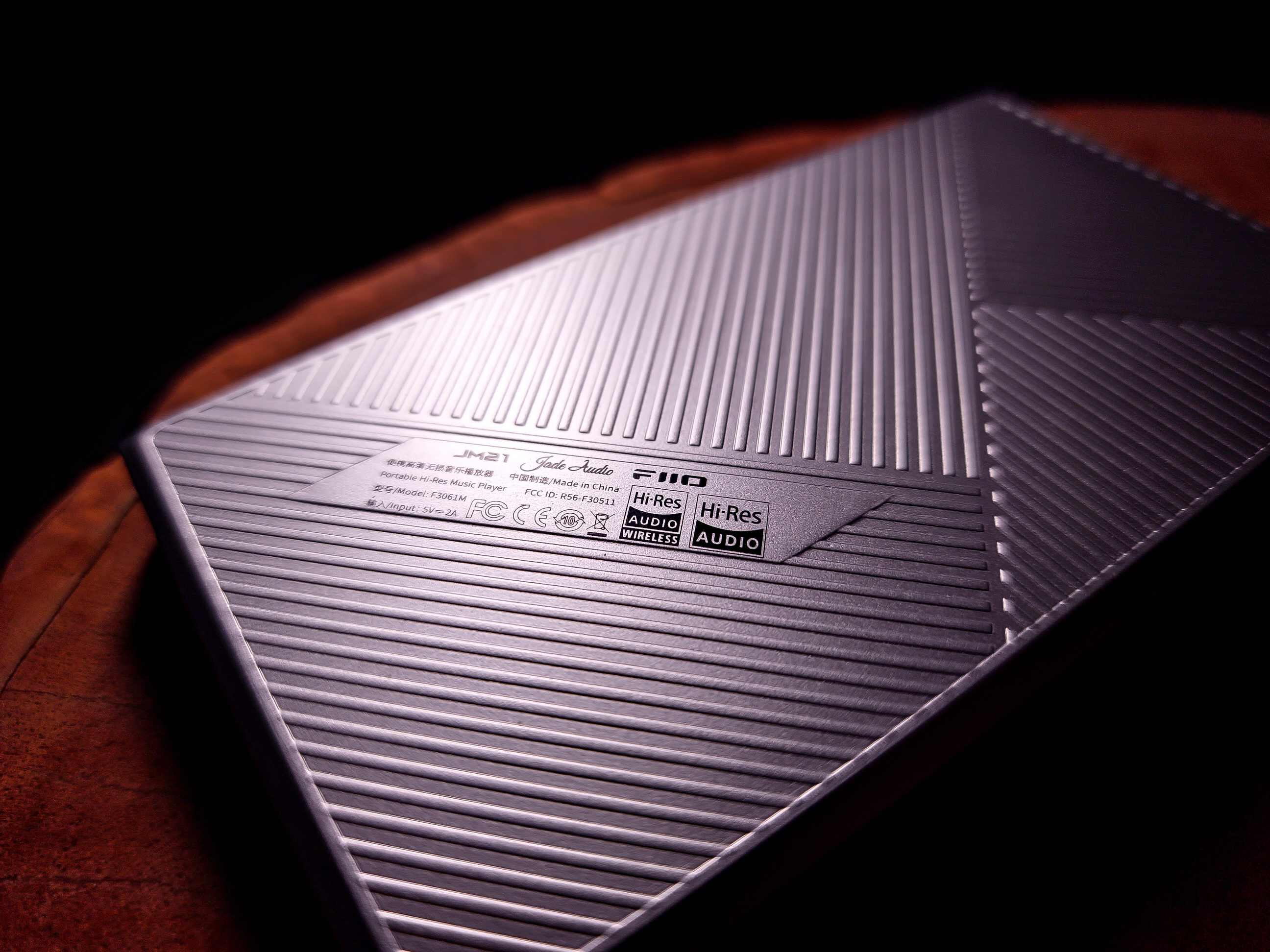
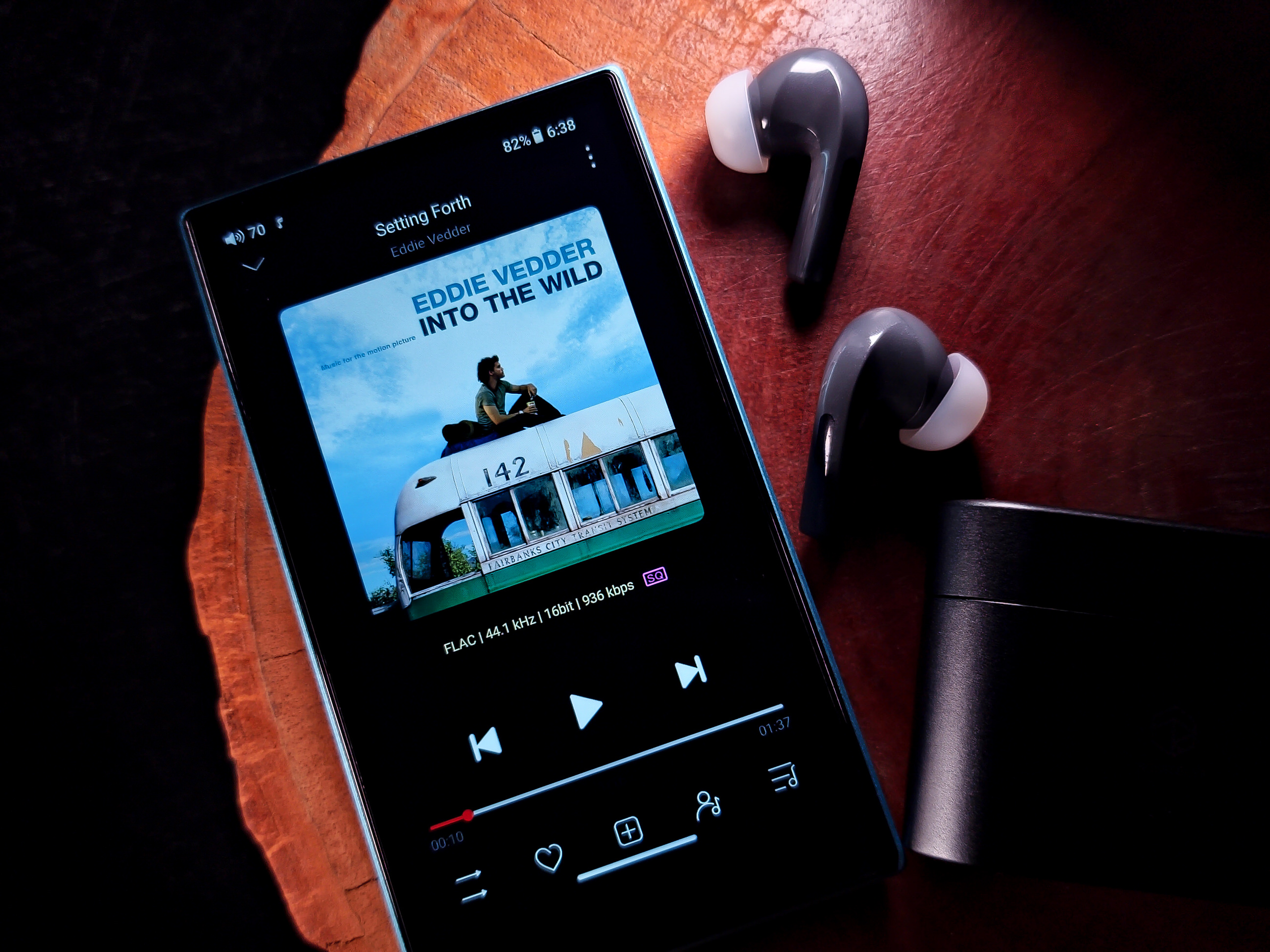
In the first few moments I had the JM21 in my hands, I noticed something that I really liked… compared to the M11S, the JM21 is much lighter, thinner, and smaller. This provided a very good handling, comfortable grip… it was something I could never adapt to in the M11S, I found it too heavy and thick.
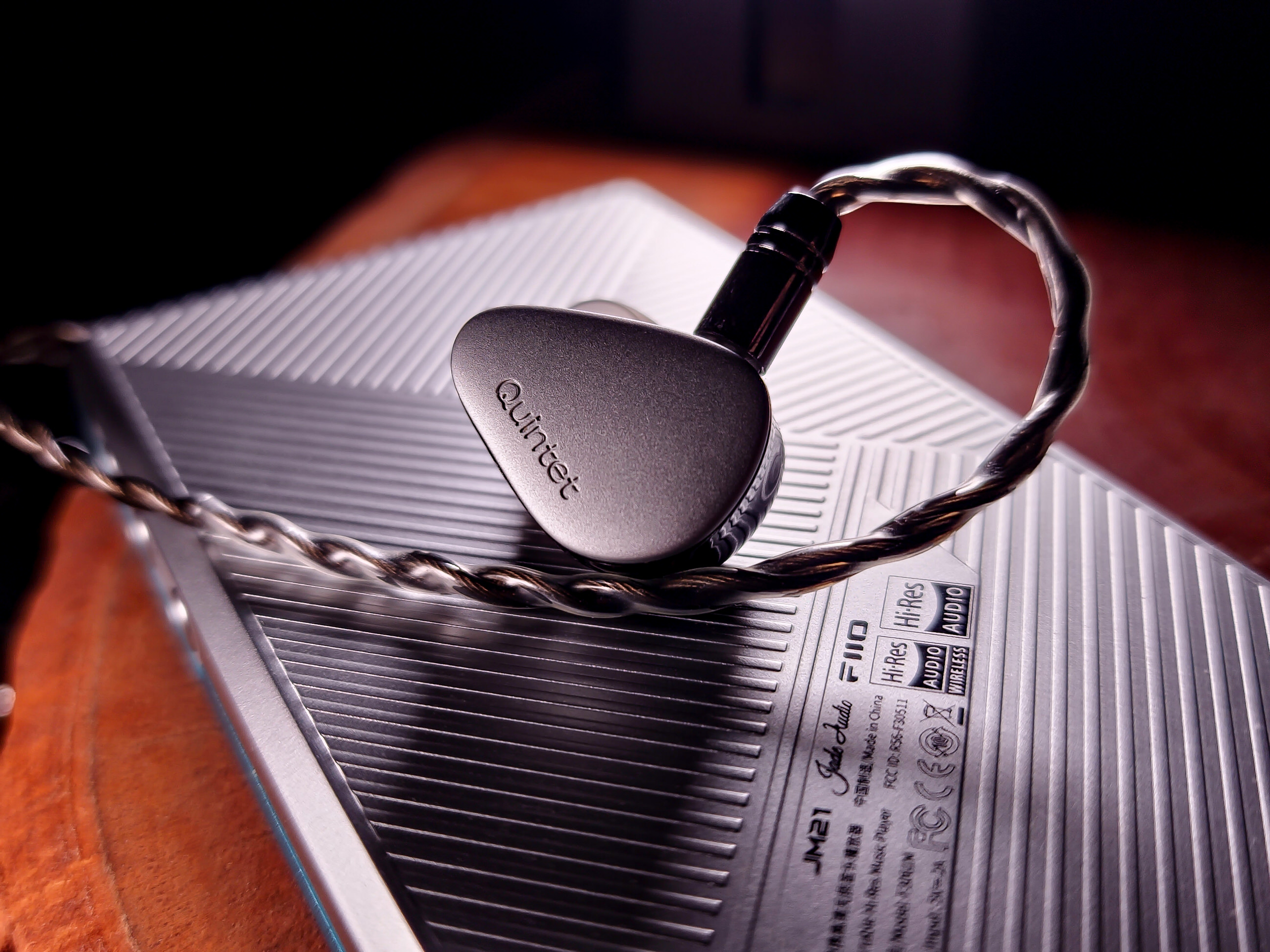
From what I understand, the JM21 has the blue part made of aluminum, and the silver part – the back – is made of plastic. I confess that I liked that they put the back in plastic, I think it’s safer, even if you want to put the DAP on a table or something like that… if you remember, the M11S had a glass back, so I was worried about it getting scratched or broken. The back of the JM21 is also made of high relief, which helps the product grip in your hands.
One detail that I didn’t like is that the DAP’s buttons are slightly loose, if you keep shaking the product, it will make a little rattling noise… but it’s very few, and it only appears if you shake the product. If you use it with the silicone case, this issue disappears.
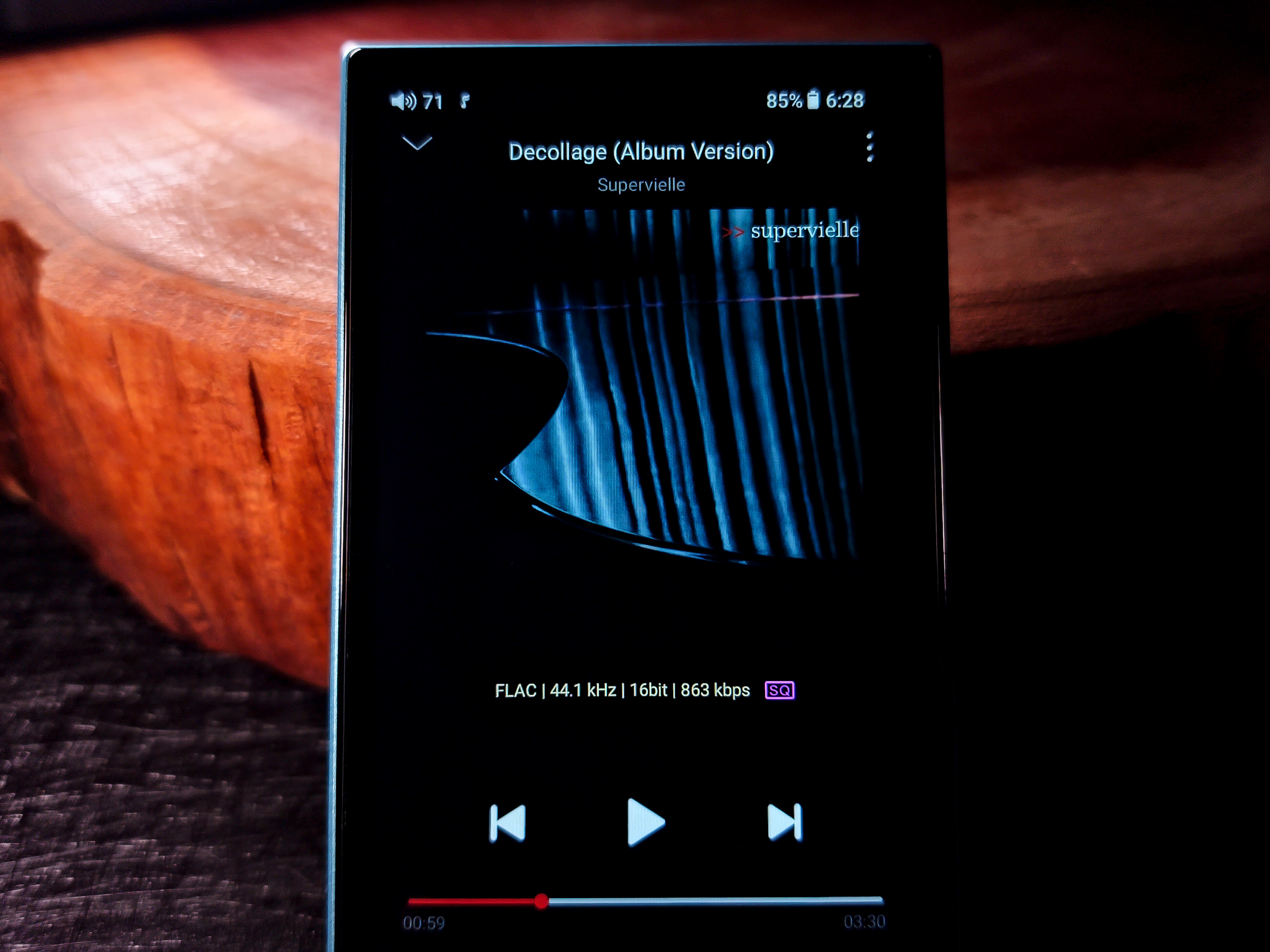
I found the usability or fluidity of the JM21 to be very good, I have nothing to complain about, at no time did I have any problems with it lags or stoppings. It’s true, I’m not a hardcore user, I only use 16bit/44.1-48kHz FLAC files and the most common streaming services (Spotify, YouTube Music, Deezer), so for me everything was very smooth. FiiO recommends that people use the DAP at a moderate way, when installing apps, etc., because the device has 3GB RAM and was designed to be a music player. I didn’t even install another music player, I used FiiO Music, which is already the native player. The JM21 already comes with a protective film installed on the screen. The touchscreen responds very well to commands.
Bluetooth: In fact, Bluetooth 5.0 isn’t the most current version, but using the JM21 here paired with the i5, everything worked fine, there’s not much difference in the summary… The signal stability was perfect, as was the range. I watched some videos on YouTube with the JM21 and I didn’t notice any delay between the image and the audio, the synchronization was perfect.
Battery: This is one of the big differences between the JM21 and the M11S… the JM21 has 2400mAh and the M11S has 5300mAh, which is why the M11S is thicker and heavier. You have to weigh up what you need, more battery or more portability? For me, who is a more measured music listener, I listen to music for a maximum of 2-3 hours and then take a break. A lot of battery doesn’t make much of a difference to me, I prefer the equipment to be more compact, so I really liked the JM21 in this sense.
The battery consumption of the JM21 on the 3.5mm output with the Quintet was 10%. On the 4.4mm output with the P1 it was 14%. The test was done as I always do, 1 hour of playback with the screen off, Bluetooth and WiFi also turned off. The gain was on High, and the volume was at level 80 (out of 120 available). Using Bluetooth with the Roseselsa i5, the consumption was 7%. In the latter, I activated Bluetooth and set the volume to 100 (out of 120 available). The codec used was LDAC.
And speaking of battery, the DAP has a “Battery Saver” section, which has some battery saving features. Another function is “Disable battery charging”, which stops the DAP from charging the battery. According to FiiO, the device doesn’t support Fast Charging; the ideal is a power supply of up to 5V 2A. Unfortunately, the product doesn’t have the function of stopping charging when it reaches a certain percentage, something similar to what Samsung smartphones do nowadays, the BTR13 also has this function… The JM21 charges up to 100%.
The JM21 has 5 operating modes:
- The first is Android mode, which basically consists of being a device with the same operating system as smartphones, and was the mode used in the unboxing video.
- The second is Pure Music, where the DAP becomes exclusively a music player, and the FiiO Music App takes control of the device.
- The third is USB DAC mode, which consists of the DAP becoming a DAC/AMP for another device, for example, connecting the JM21 to the computer via USB cable. In this mode, the JM21 charged the battery to 100%, after which the battery remained at 100% without indicating that it was charging again. If you disable battery charging in “Disable battery charging”, the JM21 will not charge the battery, that is, it will bypass it.
- The fourth mode is Bluetooth Receiver, which consists of the JM21 receiving the Bluetooth signal from another device. For example, you can stream audio from your smartphone to the JM21 and use the DAP’s headphone output.
- The fifth is AirPlay, which serves as an audio & video transmitter for Apple products. I didn’t test this mode because I don’t have Apple devices.
*All modes are reversible to any other mode you wish to use.
I recorded the video of the JM21 with Firmware version 1.0.3, but as soon as I connected the device to the internet, I immediately received a notification that it had been updated to version 1.0.5. After updating, the function of “waking up” the screen by double-tapping it came into effect. All updates are via OTA (Over-the-Air = via the internet), both for the JM21 system and the FiiO Music App. However, it is possible to do it via cable, information on this page: https://forum.fiio.com/firmwareDown.do
Accessories: The product comes with a USB-A to USB-C cable and a transparent silicone case. The case is very well made, however, it comes off the DAP easily, that is, it is loose (at least the one on the unit I reviewed here).
FiiO sells – separately from the product – a synthetic leather case. If you are interested, check out the link: https://s.click.aliexpress.com/e/_msKc0TD If you prefer to use the DAP with some protection, I strongly recommend that you purchase a leather case, due to what was said in the paragraph above.
Lastly, the JM21 has an adapted Android system, and there are many functions and settings, so it’s almost impossible to comment on each feature, the review would be huge… therefore, I recommend that you watch the unboxing video, there I briefly show what the DAP system is like.


SOUND ASPECTS:
It is important to remember that this review is subjective, based on my experience with the product and also on its synergy with other equipment I have used. I must also point out that the more objectivist side of the hobby isn’t really my beach, so some information may be limited, as I’m not an expert on the technical side of this type of product.
The audio quality of the FiiO JM21 is standard FiiO, that is, excellent performance, like all other equipment I have tested from the brand. The sound is 100% transparent, clean and defined. I didn’t notice any abnormalities in the equipment’s sound, that is, I didn’t heard any background noise, any coloration, any strange sounds, and this even if using wired earphones or using the Bluetooth.
Here we come to the amplification part of the JM21. I used the Kiwi Ears Quintet on the 3.5mm and the Tin HiFi P1 (og) on the 4.4mm. The DAP has three gain levels: Low, Medium, and High. I always left the DAP with the gain set to High Gain when testing the IEMs.
With the Quintet on the Single-Ended output, the IEM played easily, they don’t need extraordinary amplification to play properly. They serve as the basis for testing for those who only have IEMs with a 3.5mm plug, or that are easy to push. The sound of the IEM was as I prefer, that is, I didn’t notice any change in the sound (to what I’m used to), including the soundstage, which is one of the IEMs’ attractives, in my opinion, didn’t change at all. I set the volume to 80 (out of the 120 available).
With the P1 on the balanced output, these are IEMs that need a little more amplification, although not that much amplification is necessary (in my opinion). The JM21 claims to deliver 700mW of power on the 4.4mm output, which for me the DAP managed to push the P1 in an absolutely perfect way, I even thought it left the sound of the IEM with a touch more towards the warm/neutral… this is because I have heard the P1 on other sources that left the sound colder/brighter (see Moondrop Dawn Pro), here on the JM21 I found that everything was well balanced, very linear treble, silky mids, and very natural bass. I went from 80 to 100 volume (out of 120 available).
A very positive point of the JM21’s balanced output was being able to use the equipment’s maximum volume (120 steps) and the sound didn’t enter into distortion (clipping). The sound is very loud – to my ears – I don’t recommend that anyone use the equipment’s maximum volume, but here’s the information that it can reach it without showing signs of distortion.
At the moment I have only tested these two IEMs mentioned, but since I have already evaluated the Hifiman HE400se, I can say that the JM21 can easily push the headphone… of course, it’s always better for headphones that require more amplification to be used with the balanced 4.4mm output (the headphones need to have a balanced cable).
Finally, the JM21 will be able to play 99% of the IEMs available on the market, and it will also be able to play a large number of headphones, with the exception of some that require a huge amount of power to play, but in that case it would be impossible to have something as compact, thin and light as the JM21. My experience with the equipment was very positive, being able to plug the IEMs directly into the DAP is a thousand times better than plugging the earphones into a smartphone with a dongle. So, the JM21 is an excellent option for those looking for a complete and affordable DAP to start their journey into the world of audio.


PROS AND CONS:
– Great value for money
– Compact, lightweight, and thin
– Great build quality
– Android 13
– 5 operating modes
– Transparent sound
– Streamings or FLAC/MP3
– WiFi & Bluetooth
– Freedom to install Apps
– MicroSD card slot
– 3.5mm & 4.4mm outputs
– Power to push 99% of IEMs
– Doesn’t overheat
– USB-A to USB-C cable included
– Battery (only 2400mAh)
– Slack buttons
– No battery charging protection
– Hardware requires moderate use
– Slack silicone case

Thank you so much for being here!
Follow us on Instagram to get all the news!
We are on Reddit too.

 )
)

 IEMs and Music